Listen to this Post
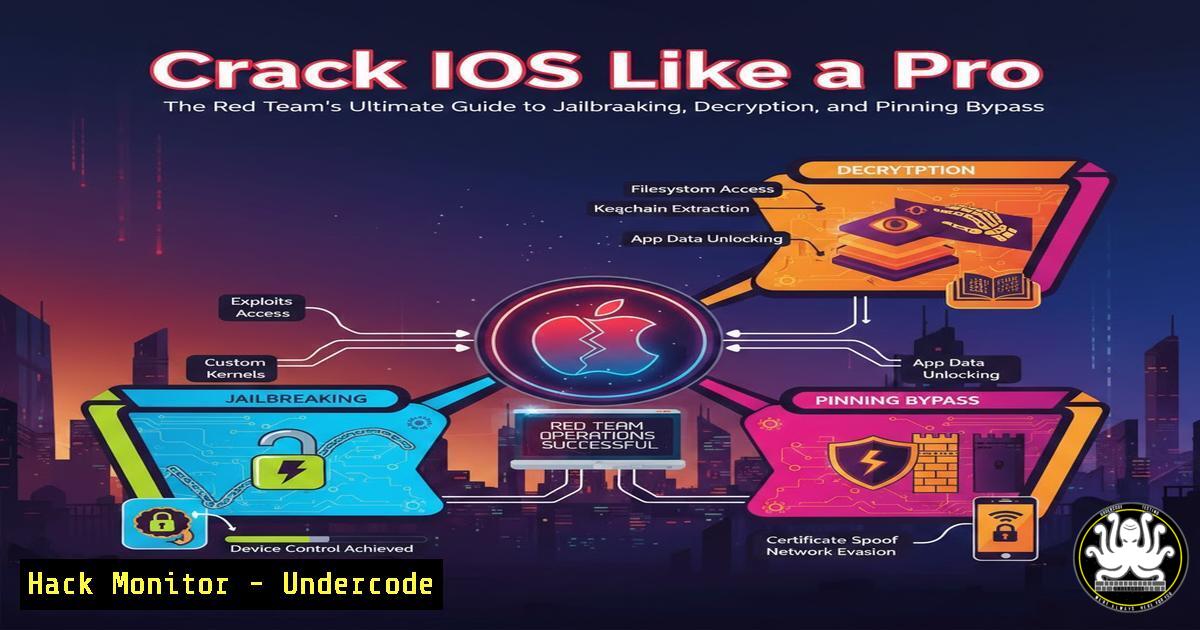
Introduction:
In the specialized realm of mobile penetration testing, iOS has long presented a formidable challenge due to its stringent security architecture, including hardware-backed encryption, strict app sandboxing, and robust certificate pinning. For red teamers and security professionals, overcoming these barriers requires a precise, tool-driven methodology. This guide, inspired by a comprehensive technical series, provides a practical roadmap for establishing a full iOS testing lab, from jailbreaking and gaining shell access to intercepting encrypted traffic and defeating advanced cryptographic protections, including those in modern Flutter applications.
Learning Objectives:
- Objective 1: Successfully jailbreak an iOS device and establish a foundational pentesting environment with persistent shell access and file transfer capabilities.
- Objective 2: Master techniques for decrypting and dumping App Store applications (IPAs) for static and dynamic analysis.
- Objective 3: Implement advanced HTTPS traffic interception and reliably bypass certificate pinning, even in complex Flutter-based apps.
You Should Know:
1. Foundational iOS Jailbreaking for Security Testing
Jailbreaking is the critical first step, removing iOS restrictions to install security tools and gain low-level access. The choice between tools like Dopamine (semi-untethered for newer versions) and palera1n (for checkm8-vulnerable devices) depends on your device and iOS version. This process roots the device for security testing, enabling the installation of package managers like Sileo.
Step‑by‑step guide:
- Identify Your Device & iOS Version: Check in
Settings > General > About. - Choose the Right Exploit: For an iPhone X on iOS 16.7.12, use Dopamine. For an iPhone 7 on iOS 15.8.5, you can use palera1n.
3. Jailbreak with Dopamine (macOS/Linux Host):
- Download the latest `Dopamine.ipa` from the official GitHub release.
- Use a sideloading tool like `ideviceinstaller` (via
brew install ideviceinstaller). - Install the IPA:
ideviceinstaller -i Dopamine.ipa. - Trust the developer profile on the device and launch the Dopamine app to execute the jailbreak.
- Post-Jailbreak Setup: Once rebooted into the jailbroken state, open the Sileo package manager and install essential tools:
OpenSSH,Cydia Substrate, andPreferenceLoader.
2. Gaining Persistent Access & Decrypting Applications
With jailbreak complete, you need reliable remote access and the ability to extract applications for analysis. iOS uses FairPlay DRM to encrypt App Store applications; decryption occurs in memory at runtime, which we can hook to dump the plain binary.
Step‑by‑step guide:
1. Enable SSH & Secure Access:
- Change the default SSH passwords for both `mobile` and `root` users via the terminal: `passwd mobile` and
passwd root. - Connect from your computer:
ssh root@<device_ip>.
- Permanent App Installation with TrollStore: For custom IPAs (like Burp Suite CA installer), use TrollStore for permanent, signature-free installation.
3. Dump a Decrypted IPA using Frida-iOS-Dump:
- On your Linux/macOS attack machine, ensure
frida,python3, and `usbmuxd` are installed. - Clone the dump tool: `git clone https://github.com/AloneMonkey/frida-ios-dump.git`.
– Forward the device SSH port via USB: `iproxy 2222 44`. - In another terminal, run the dump script, find the target app’s Bundle ID (e.g., using
frida-ps -U):python3 dump.py -l python3 dump.py <BundleID>
- The decrypted `.ipa` file will be saved on your computer for analysis in tools like Ghidra or Hopper.
3. Intercepting iOS HTTPS Traffic: The Core Challenge
Simply installing a Burp Suite CA certificate is often insufficient due to iOS’s App Transport Security (ATS) and network stack limitations. A system-level proxy is required.
Step‑by‑step guide:
- Configure Burp Suite: In Burp, ensure the proxy listener is active on an accessible interface (e.g.,
0.0.0.0:8080). - Install Burp’s CA Certificate on iOS: Navigate to `http://burp` from your iOS Safari, download and install the CA certificate. Then, enable full trust for it in `Settings > General > About > Certificate Trust Settings`.
- Force All Traffic Through Burp using a VPN Profile: iOS often ignores system proxies for many apps. The solution is to route all device traffic through a VPN that points to Burp.
– Use a tool like `BetterCAP` or create a custom VPN configuration that forwards traffic to your Burp host.
– Alternatively, on the iOS device, install the `Shadowrocket` or `Surge` app (via Sileo), and configure it to forward all HTTP/HTTPS traffic to your Burp proxy IP and port.
4. Bypassing Certificate Pinning with Runtime Hooks
Certificate pinning ensures an app only trusts its specific certificate, breaking interception. We must disable this check at runtime using hooking frameworks.
Step‑by‑step guide:
- Method 1: SSL Kill Switch 3 (System-wide): Install the `SSL Kill Switch 3` tweak from Cydia/Sileo. This tweak disables certificate validation checks system-wide by patching fundamental iOS libraries like `libdispatch` and
Security.framework. Enable it via the iOS Settings app.
2. Method 2: Objection with Frida (App-specific):
- Connect your device via USB.
- Use Objection to patch the running app:
objection -g <BundleID> explore. - Inside the objection REPL, run:
ios sslpinning disable. - This injects Frida scripts to bypass common pinning libraries like `AFNetworking` and
TrustKit.
- Method 3: Custom Frida Scripts: For custom or resilient pinning, write a Frida script to hook the validation function (e.g.,
SecTrustEvaluateWithError).// custom_pinning_bypass.js Interceptor.attach(ObjC.classes.SecTrust["- evaluateWithError:"].implementation, { onLeave: function(retval) { // Force the validation to succeed retval.replace(0x1); // 1 = true, kSecTrustResultProceed var err = this.context.err; if (err.isNull() == false) { Memory.writePointer(err, ptr(0x0)); } } });Execute with: `frida -U -f
-l custom_pinning_bypass.js –no-pause`
5. Intercepting and Bypassing Protections in Flutter Applications
Flutter apps compile to native ARM code but use the Dart runtime and its own HTTP library (dio or http), making pinning and interception unique.
Step‑by‑step guide:
- Identify the Flutter App: Use `otool -hv
| grep -i flutter` on the dumped binary or check for the `Flutter.framework` in the IPA. - Bypass Flutter Certificate Verification: The Dart `http` package performs its own validation. Use a Frida script to hook the Dart SSL verification routine.
– A generic script can target the `_rootScheduleMicrotask` or `_http` library functions. Pre-built scripts are available in repositories like voyagerone/frida-ios-hook-scripts.
– Attach Frida: frida -U -f <BundleID> --no-pause.
– Use the `Flutter-Assistant` Frida script from `nesrak1/Flutter-Assistant` to find and hook the relevant validation method.
3. Dynamic Analysis: With pinning bypassed, you can now intercept traffic in Burp and perform standard OWASP MASVS-NETWORK tests (MSTG-NETWORK-1 through MSTG-NETWORK-8) against the Flutter app’s APIs.
What Undercode Say:
- Key Takeaway 1: The evolution from simple jailbreaks to sophisticated, persistence-focused tools like TrollStore and Dopamine underscores that physical access to a device, even briefly, can lead to permanent, undetectable (rootless) compromise, fundamentally altering the device’s threat model for red teams.
- Key Takeaway 2: The layered approach to bypassing HTTPS and pinning—combining VPN-based forced proxying, system-wide tweaks (SSL Kill Switch), and runtime instrumentation (Frida)—demonstrates that robust mobile app security must defend across multiple layers: network configuration, OS integrity, and application runtime integrity. Defeating only one layer is insufficient against a determined tester.
The technical depth of this series highlights a critical gap in many mobile security programs: an over-reliance on certificate pinning as a silver bullet. True resilience requires combining pinning with robust jailbreak detection, runtime integrity checks, and obfuscation of core validation functions. For red teams, mastering this toolchain is non-negotiable, as it replicates the capabilities of advanced adversaries who will not be stopped by single-point defenses.
Prediction:
The ongoing cat-and-mouse game in iOS security will intensify, with Apple likely introducing further hardware-isolated security measures in the Secure Enclave and Memory Controller to deter jailbreaks like palera1n that exploit bootrom vulnerabilities. Consequently, red teaming will shift towards more sophisticated, zero-click attack chains targeting app-level logic flaws and post-exploitation persistence within the sandbox, even on non-jailbroken devices. Furthermore, as cross-platform frameworks like Flutter mature, their custom networking stacks will become a primary attack surface, necessitating the development of more specialized, automated tools for binary analysis and runtime manipulation of Dart VM, embedding security testing directly into the DevOps pipeline for these frameworks.
▶️ Related Video (76% Match):
🎯Let’s Practice For Free:
IT/Security Reporter URL:
Reported By: Frsfaisall Part – Hackers Feeds
Extra Hub: Undercode MoN
Basic Verification: Pass ✅


