
Listen to this Post
Introduction:
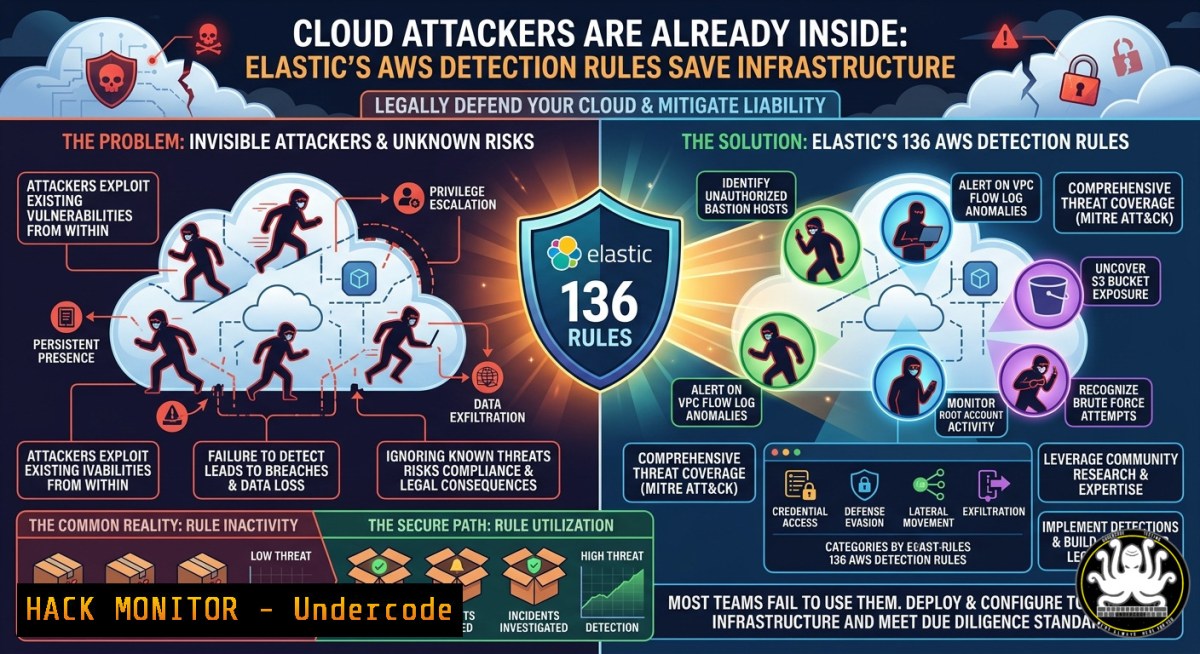
In cloud environments, the old perimeter-based security model is dead—attackers are increasingly assumed to already have a foothold. Elastic Security’s 136 detection rules for Amazon Web Services (AWS), publicly available on GitHub, reveal a strategic focus on Persistence (22 rules), Defense Evasion (21 rules), and Impact (20 rules)—nearly half of all rules. Understanding and validating these rules is critical, yet most security teams simply count rules instead of empirically testing whether they actually fire when attackers operate.
Learning Objectives:
- Understand the distribution and philosophy behind Elastic’s AWS detection rules mapped to MITRE ATT&CK tactics.
- Implement and simulate real-world attack techniques (Persistence, Defense Evasion, Impact) using AWS CLI commands.
- Validate detection effectiveness using open-source emulation tools and custom queries in Elastic Security.
You Should Know:
- Mapping Elastic Rules to MITRE ATT&CK: The Persistence Triad
Persistence rules dominate because cloud attackers want to maintain access—often via IAM backdoors. Elastic looks for actions like creating new users, attaching high-privilege policies, or generating access keys.
Step‑by‑step guide to simulate and detect IAM backdoors:
- Simulate the attack (on a test AWS account):
Create a rogue IAM user
aws iam create-user --user-name RogueBackdoor

Attach AdministratorAccess policy
aws iam attach-user-policy --user-name RogueBackdoor --policy-arn arn:aws:iam::aws:policy/AdministratorAccess

Create access keys for persistence
aws iam create-access-key --user-name RogueBackdoor
-
Detect using Elastic rule – The rule `IAM User Creation with Admin Policy` triggers on CloudTrail events `CreateUser` followed by
AttachUserPolicy. Query in Kibana:event.dataset: "aws.cloudtrail" and event.action: ("CreateUser" or "AttachUserPolicy") and policy.arn: "AdministratorAccess" -
Mitigation – Enforce SCPs to restrict IAM user creation to specific roles, and enable CloudTrail with log validation.
-
Defense Evasion in Action: Stopping CloudTrail and GuardDuty
Attackers disable logging to hide their persistence. Elastic’s defense evasion rules detect deletions or modifications of CloudTrail, GuardDuty, and AWS Config.
Step‑by‑step guide to simulate evasion and verify detection:
1. Simulate disabling security services (use a sandbox):
 Stop CloudTrail logging
aws cloudtrail delete-trail --name my-trail

Delete GuardDuty detector
aws guardduty delete-detector --detector-id $(aws guardduty list-detectors --query 'DetectorIds[bash]' --output text)

Kill Config recorder
aws configservice delete-configuration-recorder --configuration-recorder-name default
- Elastic rule example – `CloudTrail Trail Deletion` fires on
event.name: DeleteTrail. To test if your Elastic instance alerts:Simulate without actual deletion (dry-run) aws cloudtrail delete-trail --name my-trail --dry-run
Then check Elastic’s “Rules” tab for any triggered alerts. If none, validate that your CloudTrail logs are ingested.
-
Hardening – Create a CloudWatch Events rule that triggers a Lambda function to restore deleted trails immediately. Use an SCP to prevent deletion of GuardDuty unless from an admin role with MFA.
3. Impact Tactics: Simulating Ransomware and Destruction Attacks
Impact rules cover end‑goal actions like ransomware, KMS key deletion, or RDS cluster destruction. These are often the final stage of an attack.
Step‑by‑step guide to emulate destruction and test detection:
1. Simulate KMS key deletion:
 Schedule key deletion (7-30 day waiting period)
aws kms schedule-key-deletion --key-id arn:aws:kms:us-east-1:123456789012:key/abcd1234 --pending-window-in-days 7
2. Simulate RDS cluster destruction:
 Delete an RDS cluster (skip final snapshot for impact)
aws rds delete-db-cluster --db-cluster-identifier my-cluster --skip-final-snapshot
- Elastic detection – Rules like `KMS Key Deletion Scheduled` and `RDS Cluster Deletion` look for these API calls. Test with:
Use AWS CLI with --dry-run where available, or monitor Elastic's timeline
aws rds delete-db-cluster --db-cluster-identifier my-cluster --skip-final-snapshot --dry-run
For real testing, use a non‑production environment and verify that Elastic’s “Impact” rules generate alerts within seconds.
-
Mitigation – Enable deletion protection on RDS clusters, set KMS key rotation, and implement a “break‑glass” workflow for destruction actions requiring dual approval.
4. Bedrock Threshold Rules: Detecting Volume‑Based Anomalies
AWS Bedrock (generative AI service) has 10 threshold rules—they fire on volume of API calls, not single events. Attackers may abuse Bedrock for data exfiltration or model poisoning.
Step‑by‑step guide to configure and test Bedrock detection:
- Create an Elastic threshold rule – In Kibana, go to Security → Rules → Create new rule → “Threshold”. Set:
– Index: `aws.cloudtrail-`
– Query: `event.dataset: “aws.cloudtrail” and event.service: “bedrock”`
– Threshold: Count ≥ 1000 requests over 5 minutes
– Group by: `source.ip` or `user.id`
2. Simulate volume (use a script – be careful not to incur costs):
 Example: loop 500 InvokeModel calls (replace with actual Bedrock API)
for i in {1..500}; do
aws bedrock-runtime invoke-model --model-id anthropic.-v2 --body '{"prompt":"test"}' /dev/null
done
- Validate – After running, check Elastic’s rule execution history. Adjust threshold based on your baseline traffic. For Linux, monitor logs in real time:
tail -f /var/log/aws-cloudtrail.log | grep bedrock
5. Validation with Mitigant (and Open Source Alternatives)
Counting rules is useless; you must empirically validate detection. Mitigant Detection Validation (https://lnkd.in/ePDVWaU4) provides a platform, but you can start with open‑source tools.
Step‑by‑step validation using Stratus Red Team (AWS attack emulation):
1. Install Stratus Red Team (Linux/macOS):
curl -L https://github.com/DataDog/stratus-red-team/releases/latest/download/stratus-red-team_Linux_x86_64.tar.gz | tar xz
sudo mv stratus-red-team /usr/local/bin/
2. Warm up and detonate a persistence attack:
stratus-red-team warm-up aws.persistence.iam-backdoor-role
stratus-red-team detonate aws.persistence.iam-backdoor-role
- Check Elastic for triggered alerts – Search Kibana for `event.action: “CreateRole”` or
"AttachRolePolicy". If no alert, tune your rule’s severity or enable missing rules from Elastic’s GitHub repo. -
Automate validation – Add this to a CI/CD pipeline (e.g., GitHub Actions) to run weekly purple team exercises.
-
Cloud Hardening Commands: Linux, Windows & AWS CLI
Security teams need quick commands to audit and harden against the tactics above.
Linux (using `jq` and `awscli`):
 Find all IAM users created in last 24 hours
aws iam list-users --query "Users[?CreateDate>='$(date -d '24 hours ago' -Iseconds)']"

Check for disabled CloudTrail trails
aws cloudtrail describe-trails --query "trailList[?IsMultiRegionTrail==`false` || LoggingEnabled==`false`]"

Parse CloudTrail logs for GuardDuty deletions
grep -r "DeleteDetector" /path/to/cloudtrail/logs/ | jq '.eventName, .userIdentity.arn'
Windows (PowerShell with AWS Tools):
 Get all IAM access keys older than 90 days
Get-IAMAccessKey | Where-Object {$_.CreateDate -lt (Get-Date).AddDays(-90)}

Find KMS keys scheduled for deletion
Get-KMSKeyList | ForEach-Object { Get-KMSKeyMetadata -KeyId $_ } | Where-Object {$_.DeletionDate -ne $null}

Monitor GuardDuty findings in real-time
Get-GDFindings -DetectorId (Get-GDDetectorList | Select-Object -First 1) | Format-Table
API security & IAM hardening:
- Use `aws iam simulate-principal-policy` to test for privilege escalation:
aws iam simulate-principal-policy --policy-source-arn arn:aws:iam::123456789012:user/testuser --action-names "iam:CreateUser" "iam:AttachUserPolicy"
- Apply policy conditions to prevent backdoors:
"Condition": {"Bool": {"aws:MultiFactorAuthPresent": "true"}}
7. Proactive Detection Engineering: Tuning and False Positives
Elastic’s rules are generic; you must tune them to your environment.
Step‑by‑step guide to clone and customize a rule:
- From Elastic’s GitHub (https://github.com/elastic/detection-rules), find the rule “Persistence via IAM User Creation”. Copy its YAML.
- Import into Kibana: Security → Rules → Import. Modify the query to exclude your known service accounts:
event.dataset: "aws.cloudtrail" and event.action: "CreateUser" and not user.name: ("admin-service" or "terraform") - Set rule schedule to run every 5 minutes, severity to “high”.
- Test by creating a dummy IAM user and verifying the alert appears within 10 minutes.
What Undercode Say:
- Key Takeaway 1: Detection rules are useless without validation—most teams count rules, but attackers routinely bypass unvalidated alerts. You must emulate attacks (e.g., deleting CloudTrail) to confirm your Elastic instance actually fires.
- Key Takeaway 2: The dominance of Persistence and Defense Evasion rules reflects the cloud “assume breach” philosophy—stop the attacker from hiding their backdoors, and you cripple most cloud compromises.
- Analysis: Elastic’s distribution reveals a maturity shift: instead of focusing on initial access (rarely detected), security leaders prioritize what happens after breach. However, the lack of coverage for privilege escalation (only ~7 rules) suggests a gap. Organizations should supplement with custom rules for `iam:PassRole` and
sts:AssumeRole. Additionally, the Bedrock threshold rules indicate that AI services are emerging attack surfaces—expect more volume‑based detections in 2026. Real‑world purple teaming, using tools like Stratus Red Team or Mitigant, is no longer optional; it’s the only way to measure detection effectiveness empirically.
Prediction:
As cloud attack volumes grow, detection will shift from static rules to AI‑driven anomaly detection, but foundational MITRE ATT&CK mapping will remain the bedrock of SOC workflows. Within 18 months, cloud providers will embed real‑time detection validation as a native service—forcing teams to move from “rule count” metrics to “mean time to detect after emulation” (MTTD-E). Organizations that fail to adopt purple teaming today will be blind to the attackers already inside their AWS environments.
▶️ Related Video (64% Match):
🎯Let’s Practice For Free:
IT/Security Reporter URL:
Reported By: Aondona Cloudsecurity – Hackers Feeds
Extra Hub: Undercode MoN
Basic Verification: Pass ✅


