
Listen to this Post
Introduction:
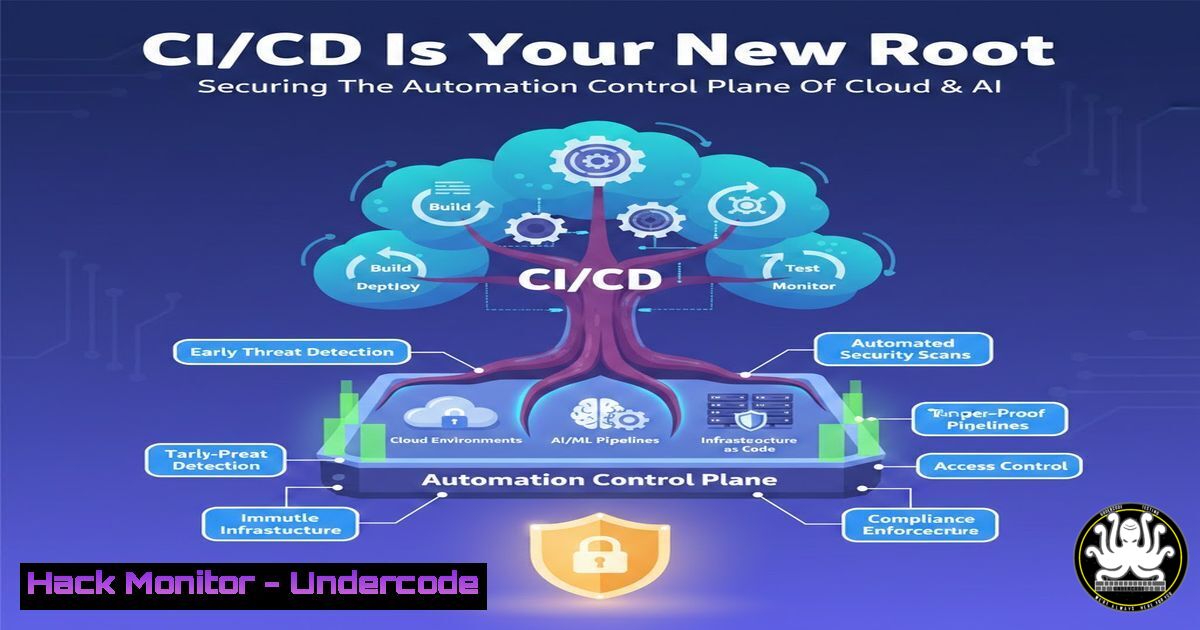
Modern cloud and artificial intelligence (AI) infrastructures are no longer built by hand; they are assembled, configured, and deployed by automated pipelines. These CI/CD (Continuous Integration and Continuous Delivery) systems have evolved from simple development tools into the primary “automation control plane” of the enterprise. This transformation introduces a critical security shift: compromising the pipeline grants an attacker the same privileges as a production administrator. Every code commit, container build, Kubernetes manifest, and AI model release passes through this layer, making its security synonymous with production integrity.
Learning Objectives:
- Understand the expanded attack surface of modern CI/CD pipelines beyond simple code scanning.
- Learn to identify critical attack vectors, from malicious pull requests to runtime compromise.
- Acquire practical, step-by-step hardening techniques using industry-standard tools like Sigstore, OPA, and ephemeral runners.
You Should Know:
- Fortifying the Source: Branch Protection and Commit Signing
The attack often begins not with an exploit, but with a pull request. Adversaries target the source code management (SCM) layer to inject malicious logic before the pipeline even triggers.
Step‑by‑step guide to securing the commit stage:
1. Enforce Branch Protection (GitHub/GitLab):
- Navigate to your repository settings.
- For your main/master branch, require a pull request before merging.
- Mandate at least one approved review.
- Check “Require status checks to pass before merging” to ensure CI passes.
- Check “Require signed commits” to cryptographically verify author identity.
2. Implement Commit Signing (Developer Workstation):
- Generate a GPG key or configure Sigstore for keyless signing.
- Configure Git to use your key: `git config –global user.signingkey YOUR_KEY_ID`
– Sign commits automatically: `git config –global commit.gpgsign true`
– Verify signatures locally: `git log –show-signature`
3. Verify with Server-Side Hooks:
- Use server-side webhooks or CI jobs to run `gpg –verify` on incoming commits, rejecting any that are unsigned or from untrusted keys.
2. Hardening the Pipeline Runner: Ephemeral and Least-Privilege
Compromising a CI runner (especially a long-lived, self-hosted one) gives an attacker a foothold inside your build environment. Runners must be treated as untrusted and temporary.
Step‑by‑step guide to runner security:
1. Eliminate Persistent Runners:
- Transition from static, self-hosted runners to ephemeral solutions.
- For GitHub Actions: Use `runs-on: ubuntu-latest` (GitHub-hosted) or configure self-hosted runners in a container that is destroyed after each job.
- For GitLab CI: Use the `tags:` keyword to direct jobs to ephemeral runners on Kubernetes or Docker Machine.
2. Apply Least Privilege to CI Jobs:
- Avoid using broad-scoped service principals.
- In Azure DevOps, use “Workload identity federation” for service connections.
- In AWS/GCP, configure OIDC (OpenID Connect) so the pipeline assumes a specific, short-lived IAM role for a single job, rather than using long-term access keys.
3. Isolate the Build Environment:
- Run builds in isolated containers or virtual machines.
- Block network access to internal resources unless explicitly required via firewall rules or proxy configurations.
- Securing the Software Supply Chain: Artifact Signing and Verification
If an attacker cannot break the pipeline, they will try to poison what comes out of it. Tampered containers or AI models can bypass scanners if the pipeline trusts its own output implicitly.
Step‑by‑step guide to artifact integrity:
1. Sign Container Images with Cosign:
- Install Cosign: `cosign version`
– Generate a key pair: `cosign generate-key-pair`
– Build and push your image: `docker push myregistry/myapp:latest`
– Sign the image: `cosign sign –key cosign.key myregistry/myapp:latest`
2. Store Signatures in a Separate Registry or Transparency Log: - Signatures are stored by default in the same registry (e.g.,
myregistry/myapp:sha256-...sig). Ensure the registry supports it, or use Rekor for transparency.
3. Verify Before Deployment (GitOps/Production):
- Before a Kubernetes cluster pulls an image, configure an admission controller (e.g., Connaisseur, Kyverno) to verify the signature.
- Kyverno Policy Example:
apiVersion: kyverno.io/v1
kind: ClusterPolicy
metadata:
name: verify-image
spec:
validationFailureAction: enforce
rules:</li>
<li>name: check-cosign-signature
match:
any:</li>
<li>resources:
kinds:</li>
<li>Pod
verifyImages:</li>
<li>image: "myregistry/"
key: |-
--BEGIN PUBLIC KEY--
YOUR_COSIGN_PUBLIC_KEY
--END PUBLIC KEY--
4. Generate and Verify SBOMs:
- Generate an SBOM: `syft packages myimage:latest -o spdx-json > sbom.json`
– Store and sign the SBOM alongside the artifact. - Use a policy engine (like OPA) to block deployment if the SBOM contains a critical CVE.
- Governing the Deployment: GitOps and Policy as Code
Once an artifact is built and signed, the pipeline triggers deployment. If the pipeline has direct write access to production clusters, a compromise leads to immediate runtime takeover. Separating CI from CD is crucial.
Step‑by‑step guide to GitOps and OPA:
1. Implement GitOps with ArgoCD or Flux:
- Configure your CI pipeline to only update a Git repository (e.g., changing a tag in a Kubernetes manifest) and push a signed commit.
- ArgoCD running in the cluster continuously syncs from this Git repo. The CI system never has direct `kubectl` access to production.
2. Enforce Policy with Open Policy Agent (OPA):
- Deploy OPA as an admission controller in your Kubernetes cluster.
- Write policies to ensure all images come from a trusted registry, have valid signatures, and don’t run as root.
- Rego Policy Example (must be root):
package kubernetes.admission</li>
</ul>

deny[bash] {
input.request.kind.kind == "Pod"
container := input.request.object.spec.containers[bash]
not container.securityContext.runAsNonRoot == true
msg := sprintf("Container '%v' must not run as root", [container.name])
}
3. Secrets Management with Vault:
- Never store secrets in CI/CD environment variables.
- Configure your pipeline to authenticate to HashiCorp Vault using its platform identity (e.g., GitHub OIDC token).
- Dynamically retrieve database credentials or API keys at build/run time, with short TTLs.
5. Runtime Defense: Protecting AI and Kubernetes Workloads
The final stage is the production environment. If the pipeline was compromised or misconfigured, malicious workloads will eventually run here.
Step‑by‑step guide to runtime monitoring:
1. Monitor for Anomalous Behavior:
- Deploy a runtime security tool (e.g., Falco).
- Monitor for unexpected shell spawns in containers, sensitive file reads, or outbound connections to unknown IPs.
- Falco Rule Example: Alerts on shell in container.
2. Secure AI Model Serving:
- If your pipeline serves AI models, treat the model file as an executable binary.
- Verify the model’s signature and hash before loading it into the inference server (e.g., TensorFlow Serving, TorchServe).
- Sandbox the model serving process to prevent model stealing or escape attacks.
3. Network Segmentation:
- Apply Kubernetes Network Policies to restrict lateral movement. Ensure the frontend pod cannot talk directly to the database pod.
What Undercode Say:
- Key Takeaway 1: The Pipeline is the Perimeter. In cloud-native and AI-driven architectures, the CI/CD pipeline holds the “keys to the kingdom.” It has write access to production, signing keys, and infrastructure credentials. Defending it requires shifting security left, not just for code, but for infrastructure and artifacts.
- Key Takeaway 2: Automation Governance Over Code Scanning. While vulnerability scanning is vital, it is insufficient. Organizations must implement “automation governance”—treating pipeline configurations, runner security, and artifact integrity with the same rigor as production firewall rules.
- Analysis: The attack surface described highlights a fundamental mismatch between legacy security models and modern DevOps practices. The industry is moving towards a “secure by design” pipeline where every action is signed, every artifact is verified, and every deployment is governed by machine-enforceable policy. The integration of OPA, Sigstore, and GitOps is not just a trend, but a necessary evolution to counter supply chain attacks. Failure to adopt these measures leaves organizations blind to the most critical threat vector in their cloud and AI infrastructure.
Prediction:
As AI models become the core product of more companies, we will witness a surge in “model supply chain” attacks. Future CI/CD pipelines will need to incorporate specific AI/ML security gates, such as verifying model provenance against public registries, scanning for poisoned data embedded in models, and enforcing strict access controls on model registries to prevent theft or tampering of corporate intellectual property.
▶️ Related Video (80% Match):
🎯Let’s Practice For Free:
IT/Security Reporter URL:
Reported By: Vinodhkumar87 Devsecops – Hackers Feeds
Extra Hub: Undercode MoN
Basic Verification: Pass ✅🔐JOIN OUR CYBER WORLD [ CVE News • HackMonitor • UndercodeNews ]
📢 Follow UndercodeTesting & Stay Tuned:


