
Listen to this Post
Introduction:
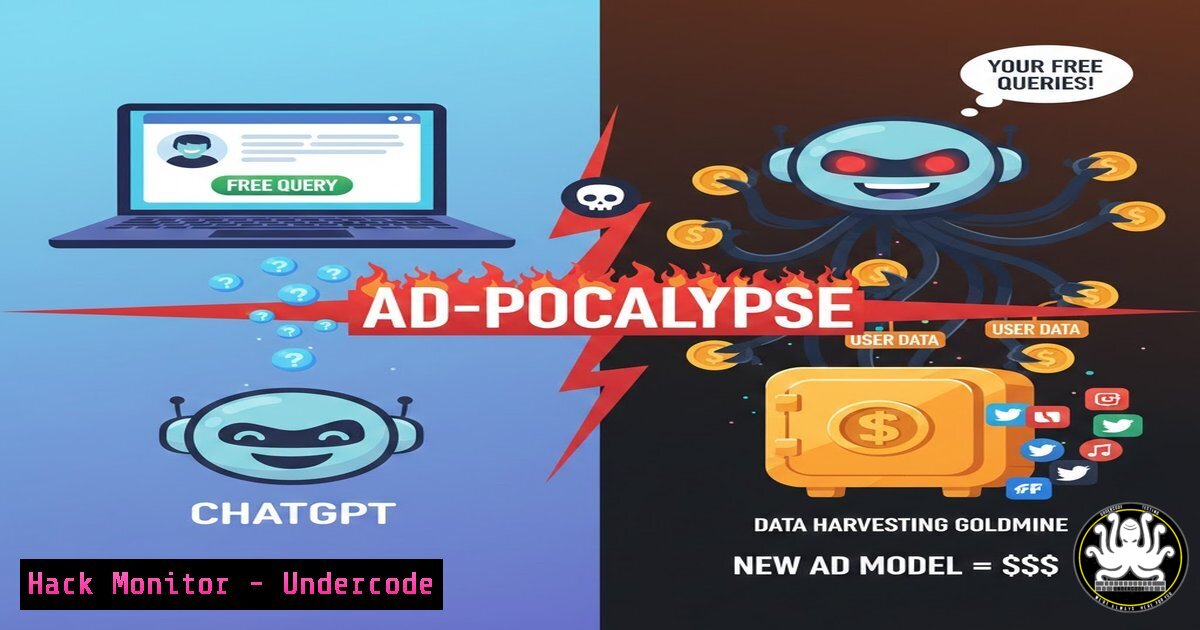
OpenAI’s discovery in its Android beta code reveals an imminent shift: advertisements are coming to the free tier of ChatGPT. This move, once described by the company as a “last resort,” signals mounting financial pressures and fundamentally alters the platform’s dynamics. For cybersecurity and privacy professionals, this introduces critical new vectors for data exploitation, user profiling, and potential threat amplification, transforming a conversational AI tool into a sophisticated advertising engine.
Learning Objectives:
- Understand the privacy and security implications of ad-integration in generative AI platforms.
- Learn to identify and mitigate data leakage risks from AI-assisted workflows.
- Configure systems and tools to enhance privacy when using ad-supported SaaS applications.
You Should Know:
- The Anatomy of an AI Ad Injection: Data Flow and Risk Mapping
The integration of advertisements requires a complex data pipeline. User queries, previously processed solely for generating responses, may now be analyzed for sentiment, intent, and content to enable targeted ad placement.
Step‑by‑step guide:
- Query Interception: Your prompt is sent to OpenAI’s servers. Code strings like `”is_ad_context”: true` or `”ad_slot_available”: true` flag the session for ad processing.
- Real-time Analysis: Natural Language Processing (NLP) models parse your query to extract keywords and context (e.g., “best budget laptop” signals consumer tech interest).
- Ad Auction & Injection: The derived data points are used to select and inject a relevant advertisement into your chat interface, often via a separate content delivery network (CDN).
- Logging for Optimization: The query, the served ad, and interaction data (clicks, dwell time) are logged to refine user profiles and ad targeting algorithms, creating a persistent data trail.
-
Securing Your ChatGPT Sessions: Network and Browser Hardening
Prevent unwanted data harvesting by controlling what information leaves your machine.
Step‑by‑step guide:
- Employ a Privacy-Focused DNS: Use DNS services that block ad and tracker domains. Configure your router or operating system to use DNS servers like `NextDNS` or
AdGuard DNS.
Linux/macOS: Modify `/etc/resolv.conf` (temporary) or use `systemd-resolved`.
sudo systemd-resolve --set-dns=94.140.14.14 --interface=eth0 AdGuard DNS example
Windows (PowerShell as Admin):
Set-DnsClientServerAddress -InterfaceIndex $(Get-NetAdapter | Where-Object {$_.Status -eq "Up"}).ifIndex -ServerAddresses 94.140.14.14
– Browser Isolation: Use ChatGPT only within a dedicated browser profile with strict privacy extensions (uBlock Origin, Privacy Badger) or via a container tab (using Firefox Multi-Account Containers).
- Monitoring AI Tool Data Exfiltration with Traffic Analysis
You can observe the network calls made by the ChatGPT application to identify connections to ad-serving domains.
Step‑by‑step guide using Wireshark/TCPdump:
- Start a Capture: Filter traffic for the IPs of your ChatGPT client. For web, find OpenAI’s IPs. For mobile apps, capture all traffic from the device.
Linux TCPdump example to capture HTTPS traffic (port 443)
sudo tcpdump -i any -w chatgpt_traffic.pcap 'port 443 and host $(dig +short chat.openai.com)'
- Analyze for Anomalies: Look for HTTP requests to domains unrelated to `openai.com` or
oaistatic.com, such as known ad networks (e.g.,doubleclick.net,googleads.com). SSL/TLS handshakes with these domains are a major red flag. - Inspect with Developer Tools: In your web browser, press F12, go to the Network tab, and reload ChatGPT. Look for requests to third-party URLs in the list of network calls, particularly those containing keywords like
ad,track, orpartner.
4. Implementing API-Only Usage as a Secure Bypass
The paid ChatGPT API (usage-based) currently has no advertisements and offers clearer data usage policies. Shifting workflows to the API can enhance security and privacy.
Step‑by‑step guide for a secure Python client:
- Create an API Key: From your OpenAI account, generate a new secret key.
- Use Official Client with Auditing: Install the client and write a wrapper that logs all prompts and responses for audit trails.
import openai from datetime import datetime</li> </ol> openai.api_key = 'your-secret-key' AUDIT_LOG = "./chatgpt_audit.log" def query_chatgpt(prompt, model="gpt-3.5-turbo"): response = openai.ChatCompletion.create( model=model, messages=[{"role": "user", "content": prompt}] ) answer = response.choices[bash].message.content Log the interaction with open(AUDIT_LOG, 'a') as f: f.write(f"{datetime.utcnow().isoformat()} | PROMPT: {prompt}\n") f.write(f"{datetime.utcnow().isoformat()} | RESPONSE: {answer[:200]}...\n") return answer Example usage result = query_chatgpt("Explain zero-trust networking.") print(result)- Organizational Policy: Mitigating Insider Risk from Ad-Targeted Phishing
Ad integrations can be exploited for highly targeted spear-phishing. An ad for a “IT Security Conference” injected into a SOC analyst’s chat could be a potent lure.
Step‑by‑step guide for security teams:
- Update Acceptable Use Policies (AUP): Explicitly classify the free tier of ad-supported generative AI as a potential data leakage and phishing vector. Mandate the use of enterprise-grade, contractually governed AI tools if needed.
- Conduct Awareness Training: Simulate a phishing campaign where the lure is based on a plausible ad that might appear in ChatGPT (e.g., “Click here to register for this exclusive AWS security webinar”).
- Deploy Endpoint & Network DLP: Configure Data Loss Prevention (DLP) rules to flag or block the uploading of sensitive code, architecture diagrams, or internal data to public AI chat interfaces, regardless of ad presence.
What Undercode Say:
- Key Takeaway 1: The introduction of ads transforms ChatGPT from a tool into a platform with inherent conflict. Your queries are no longer just inputs for answers; they are assets for an advertising business model, creating a permanent, monetizable behavioral log.
- Key Takeaway 2: This shift blurs the line between service provider and data broker, introducing sophisticated profiling into a tool widely used for sensitive tasks in IT, coding, and security, thereby expanding the attack surface for social engineering and data inference attacks.
The technical confirmation via beta code is a stark reminder that “free” enterprise-grade tools are unsustainable. For security practitioners, the core vulnerability is no longer just the AI’s output but the entire data pipeline supporting its revenue. The silent profiling of user queries poses a greater long-term risk than a one-time prompt leak, as it builds detailed profiles of professional interests, company projects, and security postures. Organizations must now audit AI usage with the same rigor applied to shadow IT.
Prediction:
Within 12-18 months, we will witness the first major phishing and social engineering campaigns sourced directly from intelligence gathered via AI-advertising profiles. Threat actors will exploit the detailed professional interests revealed in AI chats to craft hyper-personalized lures. Furthermore, the competitive pressure will push other “free” AI services to adopt similar or more aggressive ad-based and data-monetization models, leading to a fragmented and treacherous ecosystem where user privacy is the primary currency. This will accelerate demand for air-gapped, on-premise, or fully private-hosted open-source AI models within regulated industries.
🎯Let’s Practice For Free:
IT/Security Reporter URL:
Reported By: Piveteau Pierre – Hackers Feeds
Extra Hub: Undercode MoN
Basic Verification: Pass ✅🔐JOIN OUR CYBER WORLD [ CVE News • HackMonitor • UndercodeNews ]
📢 Follow UndercodeTesting & Stay Tuned:
- Organizational Policy: Mitigating Insider Risk from Ad-Targeted Phishing


