
Listen to this Post
Introduction
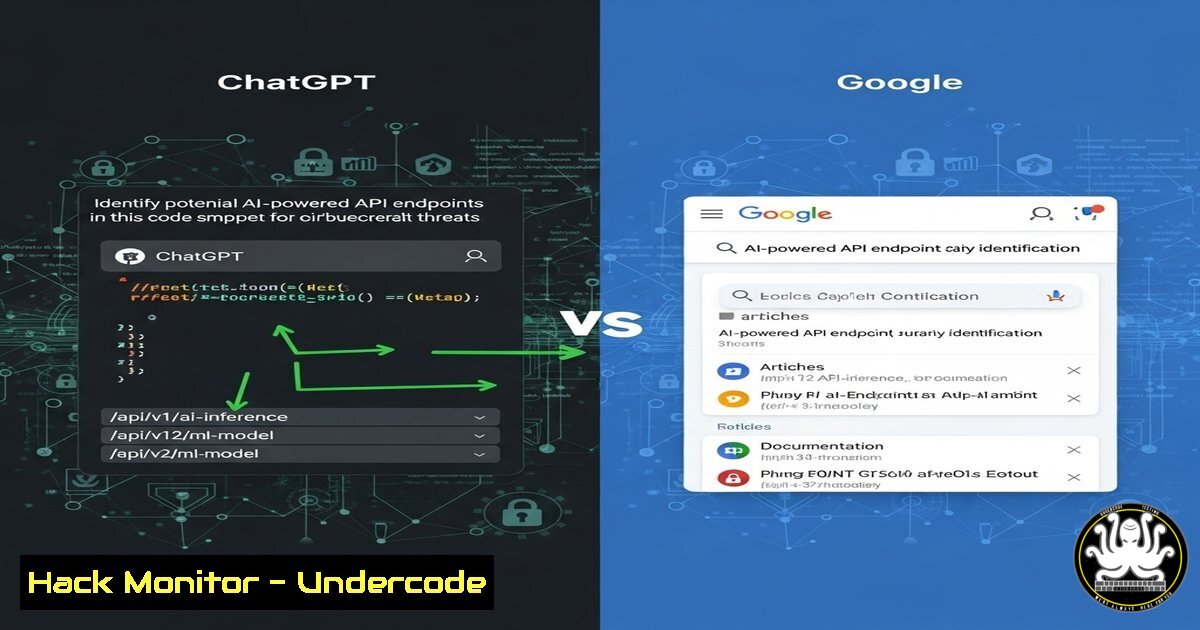
API endpoints are critical components of modern applications, but identifying their origins can be challenging. Marcus Hutchins highlights a key difference between ChatGPT and Google: while ChatGPT accurately identifies API endpoints, Google often generates misleading or fabricated responses. This distinction has significant implications for cybersecurity professionals, developers, and threat hunters.
Learning Objectives
- Understand how AI tools like ChatGPT can assist in API endpoint analysis.
- Learn techniques to verify API endpoints manually.
- Explore cybersecurity risks associated with misidentified endpoints.
You Should Know
1. Using ChatGPT for API Endpoint Analysis
ChatGPT can analyze API endpoints and provide context on their origin, such as vendor, service, or potential vulnerabilities.
Example
What service does this API endpoint belong to?
https://api.example.com/v1/users
Step-by-Step Guide:
1. Copy the API endpoint.
- Paste it into ChatGPT with a clear question.
- Review the response for accuracy (cross-check with official documentation if possible).
2. Manually Verifying API Endpoints with cURL
If AI tools aren’t available, use `cURL` to inspect API responses.
Command:
curl -I https://api.example.com/v1/users
What This Does:
- The `-I` flag fetches only headers, revealing server info, authentication methods, and potential misconfigurations.
3. Detecting Fake API Endpoints with OSINT Tools
Google may generate false positives, so use OSINT tools like Shodan or Censys to validate endpoints.
Shodan Query Example:
hostname:api.example.com
Step-by-Step Guide:
1. Search the domain in Shodan.
- Check for associated IPs, services, and open ports.
3. Verify against known vendor documentation.
4. Securing API Endpoints with OAuth 2.0
Misidentified endpoints can lead to security flaws. Implement OAuth 2.0 for secure access.
Example OAuth 2.0 Setup:
 Generate an OAuth 2.0 token (using curl)
curl -X POST https://auth.example.com/oauth2/token \
-H "Content-Type: application/x-www-form-urlencoded" \
-d "client_id=YOUR_CLIENT_ID&client_secret=YOUR_SECRET&grant_type=client_credentials"
What This Does:
- Secures API access with token-based authentication.
5. Automating API Security with Burp Suite
Use Burp Suite to scan for API vulnerabilities.
Steps:
1. Configure Burp Suite to intercept API traffic.
- Run automated scans for SQLi, XSS, and auth flaws.
3. Review findings and patch vulnerabilities.
What Undercode Say
- Key Takeaway 1: ChatGPT’s accuracy in API identification makes it a valuable tool for cybersecurity research, while Google’s unreliability poses risks.
- Key Takeaway 2: Manual verification using tools like
cURL, Shodan, and Burp Suite is essential for security hardening.
Analysis:
The rise of AI in cybersecurity introduces both opportunities and risks. While ChatGPT enhances threat intelligence, over-reliance without verification can lead to false assumptions. Organizations must balance AI-assisted analysis with traditional security practices to mitigate risks.
Prediction
As AI evolves, we’ll see more integration of LLMs (like ChatGPT) into cybersecurity tools for real-time API analysis. However, adversarial AI may also generate deceptive endpoints, requiring advanced detection mechanisms. Companies that adopt hybrid (AI + manual) verification will lead in API security.
🎯Let’s Practice For Free:
IT/Security Reporter URL:
Reported By: Malwaretech If – Hackers Feeds
Extra Hub: Undercode MoN
Basic Verification: Pass ✅


