Listen to this Post
Introduction:
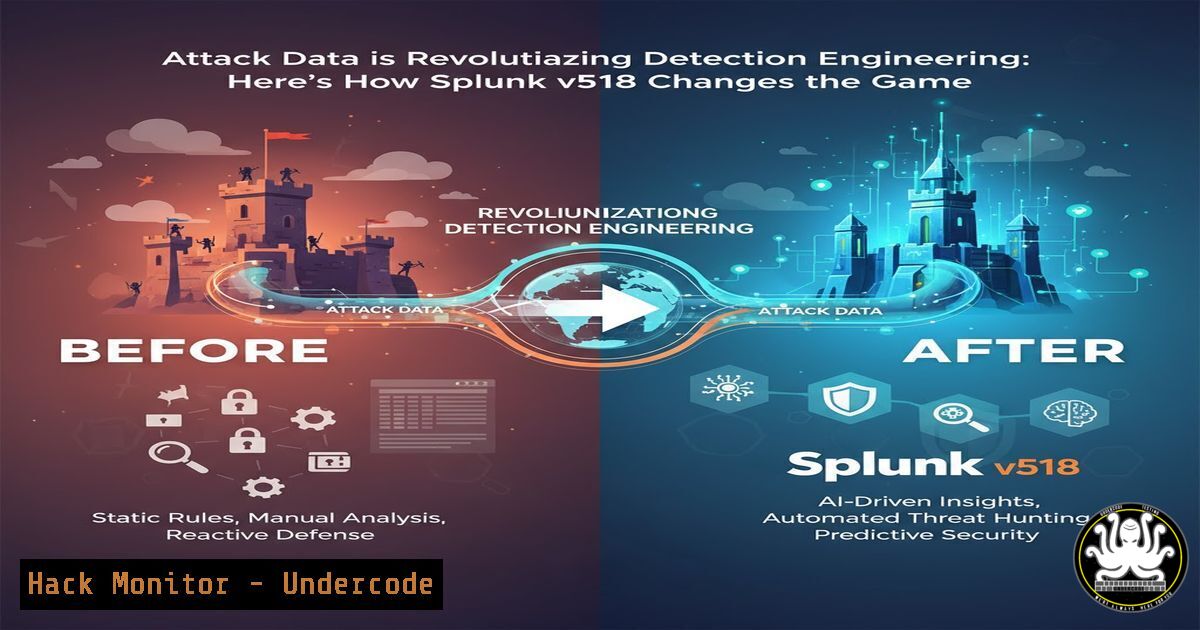
The perennial challenge in detection engineering has been the gap between theoretical threat models and practical, testable detections. Splunk’s latest Content Update v5.18 bridges this divide by embedding rich, contextual attack data directly within its detection suites. This transforms abstract MITRE ATT&CK techniques into concrete, replayable scenarios, enabling security teams to validate their defenses with unprecedented precision and realism.
Learning Objectives:
- Understand how to leverage embedded attack data to test and tune Splunk Enterprise Security (ES) detections.
- Learn the process of executing simulated attacks to validate detection coverage and efficacy.
- Accelerate security investigation workflows by integrating real-world attack context directly into alerts.
You Should Know:
- What is Embedded Attack Data and Why It Matters
Embedded attack data is not merely sample logs; it is a comprehensive package that includes the exact tools used (e.g., Mimikatz, Cobalt Strike), timestamps, command-line arguments, and a step-by-step narrative of the adversarial simulation. This turns a static detection rule from a hypothetical filter into a validated, data-backed piece of logic. For detection engineers, this means moving away from crafting detections based on presumed adversary behavior and instead using documented, replayable attack sequences to ensure their analytics trigger as intended.
- Accessing and Utilizing the New Attack Data in Splunk ES
The new resources are integrated directly into the Splunk Enterprise Security Detections Hub. To begin, you must first navigate to the specific detection you wish to test.
Step-by-Step Guide:
1. Log in to your Splunk ES platform.
2. Navigate to Detections > Detections Hub.
- Search for or select a detection of interest, for example, “Suspicious Process Creation – Scripting Hosts.”
- Within the detection’s details, you will now find a section labeled “Attack Data” or “Simulation Data.”
- This section contains links to the research page (e.g.,
research.splunk.com) which details the attack simulation, including the exact Splunk Search Processing Language (SPL) query used to generate the data.
– Primary Resource: `https://lnkd.in/e4GtUkgV` (Latest Release Updates)
– Attack Data Index: `https://lnkd.in/efEhqkTT` (Direct link to research and data)
- Replaying an Attack Simulation to Test a Detection
The core of this update is the ability to replay attacks. This validates whether your detection and the underlying data parsing are working correctly.
Step-by-Step Guide:
- Acquire the Simulation Tooling: The attack data often references open-source adversary emulation tools like Caldera, Atomic Red Team, or custom scripts.
- Set Up a Lab Environment: Isolate a test machine (Windows or Linux). For a Windows-based credential dumping test using Mimikatz, you could use an Atomic Red Team command:
`Invoke-AtomicTest T1003.001 -TestNumbers 1 -ShowDetails`
Always run these in a controlled, non-production environment.
- Execute the Attack: Run the emulation command as specified in the attack data. For example, a Mimikatz execution to dump LSASS memory.
- Verify Data Ingestion: In Splunk, run a basic search to confirm your endpoint data (e.g., from Sysmon or EDR) is being ingested correctly:
`index=windows EventCode=1 Image=”mimikatz”`
- Run the Detection Search: Execute the SPL from the detection rule. The alert should trigger based on the activity you just generated.
4. Tuning Detections with Real-World Context
A detection that fires on every Mimikatz process is noisy. The embedded data provides the specific, often subtle, indicators that distinguish real attacks from benign activity. You can use this context to add `WHERE` clauses or `| SEARCH` filters to your SPL.
Step-by-Step Guide:
- After replaying the attack, analyze the raw data in Splunk. Look for unique parent-child process relationships, specific command-line arguments, or user contexts.
- Modify the detection SPL to be more specific. For instance, if the attack data shows Mimikatz was spawned by
winlogon.exe, tune the rule:index=windows EventCode=1 (Image="mimikatz" OR CommandLine="sekurlsa::logonpasswords") | search ParentImage="winlogon.exe"
- Re-run the simulation to ensure the tuned detection still fires. Then, validate against a baseline of normal activity to reduce false positives.
5. Integrating Attack Context into Investigation Workflows
The true power is realized when this context is available to SOC analysts during an investigation. When an alert fires, the linked attack data provides a immediate “playbook” of what likely happened next.
Step-by-Step Guide:
- Customize Your Notable Event Annotations: In the ES Incident Review dashboard, configure the notable event view to include a direct link to the relevant `research.splunk.com` page for that detection.
- Create Proactive Hunts: Use the attack data’s TTPs to build proactive hunting searches. If a detection for T1059.003 (Windows Command Shell) fires, and the linked attack data shows the adversary typically runs `whoami /groups` and `net group “Domain Admins” /domain` next, a hunter can immediately search for those commands across the environment.
index=windows (CommandLine="whoami /groups" OR CommandLine="net groupDomain Admins")
| stats count by host, CommandLine, User
6. Leveraging Attack Data for API Security Monitoring
The principles of embedded attack data extend beyond endpoints. For cloud and API security, this means having simulations for attacks like JWT token manipulation or excessive API enumeration.
Step-by-Step Guide:
- Identify a detection for suspicious API activity, such as “Mass Assignment Vulnerability Exploitation.”
- The embedded attack data would provide a sample malicious HTTP PATCH/POST request body.
- Use this sample to craft a test against your API gateway logs. A sample SPL query might look like:
index=api_http (method=PATCH OR method=POST)
| spath input=body
| search "isAdmin=true"
- Replay the malicious API call using a tool like `curl` against your test environment to validate the detection.
7. Building a Continuous Validation Framework
With a library of embedded attack data, you can shift detection engineering left, integrating validation into your CI/CD pipelines for security content.
Step-by-Step Guide:
- Automate Simulation Execution: Use a scheduler (e.g., Jenkins, GitLab CI) to run Atomic Red Team tests or other emulation tools against your lab environment on a regular basis (e.g., nightly).
- Automate Detection Validation: After simulations run, have your pipeline execute the corresponding Splunk detection searches.
- Report on Coverage: The pipeline should generate a report indicating which detections fired successfully and which did not, providing a continuous measure of your security control efficacy. This is the ultimate realization of data-backed detection engineering.
What Undercode Say:
- This update fundamentally changes the ROI of detection engineering, moving it from an artisanal craft to an evidence-based science.
- The integration of attack context directly into the SOC analyst’s workflow is a massive force multiplier, reducing mean time to understand (MTTU) during incidents.
The shift towards data-backed detection engineering, as demonstrated by Splunk v5.18, represents a maturation of the security industry. It tackles the core inefficiency of building defenses in a vacuum. By providing a concrete “ground truth” for testing, it allows teams to systematically eliminate guesswork, reduce false positives, and prove the value of their security investments. This approach will inevitably become the benchmark, pushing other vendors in the SIEM and EDR space to provide similar levels of transparency and testability for their own detections.
Prediction:
The embedding of attack data will set a new industry standard for security tools, forcing a widespread shift towards empirical, test-driven security operations. Within two years, we predict that the inability to validate detections against standardized, replayable attack scenarios will be seen as a critical deficiency in any security platform. This will further blur the lines between detection engineering, threat emulation, and security validation, leading to the rise of integrated platforms that offer continuous security control assessment as a core feature.
🎯Let’s Practice For Free:
IT/Security Reporter URL:
Reported By: Ronaldbeiboer Attack – Hackers Feeds
Extra Hub: Undercode MoN
Basic Verification: Pass ✅


