Listen to this Post
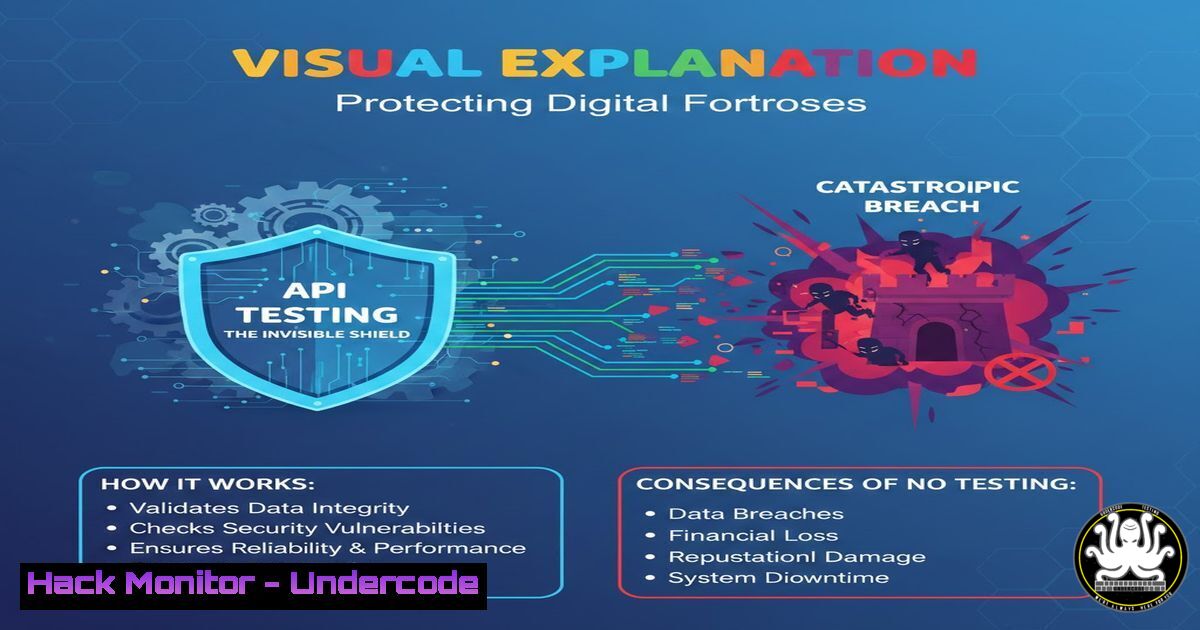
Introduction:
In today’s interconnected digital ecosystem, Application Programming Interfaces (APIs) are the critical glue binding services, data, and functionality. However, they are also the most targeted attack vector, with inadequately tested APIs serving as a direct conduit for data breaches and systemic failures. This article deconstructs the multifaceted discipline of API testing, moving beyond basic health checks to explore the rigorous security and performance validation required to fortify modern digital infrastructure against relentless threats.
Learning Objectives:
- Understand the seven core types of API testing and their specific role in the DevSecOps lifecycle.
- Learn to perform critical security testing procedures to identify OWASP Top 10 API vulnerabilities.
- Implement automated testing strategies using industry-standard tools to integrate security into CI/CD pipelines.
You Should Know:
1. Foundational Testing: The First Line of Defense
Before delving into complex security scenarios, establishing baseline functionality is paramount. This involves Smoke and Functional Testing to ensure the API responds as designed under normal conditions.
Step‑by‑step guide:
- Smoke Testing with
curl: Execute a quick health check from your terminal to verify the API endpoint is live and returns an expected HTTP status code.curl -X GET "https://api.yourservice.com/v1/health" -H "accept: application/json"
A successful response should be a
200 OK. This is your “sanity check.” - Functional Testing with Postman: Validate specific business logic.
Create a new request in Postman for a critical endpoint, e.g.,POST /api/users.
In the “Tests” tab, write assertions using JavaScript to verify response codes, data types, and values.pm.test("Status code is 201", function () { pm.response.to.have.status(201); }); pm.test("Response has user ID", function () { var jsonData = pm.response.json(); pm.expect(jsonData.id).to.be.a('number'); });
2. Integration & Regression: Ensuring Ecosystem Stability
APIs rarely work in isolation. Integration Testing validates workflows across multiple services, while Regression Testing safeguards against new bugs introduced by updates.
Step‑by‑step guide:
- Design an Integration Flow: Map a real user journey, like “Create User -> Authenticate -> Fetch Profile.” Use Postman Collections or Newman (the CLI tool for Postman) to chain requests, passing data (e.g.,
userID) from one response to the next request using environment variables. - Automate Regression Suites: Integrate your Postman collection tests into your CI/CD pipeline using Newman.
newman run Your_API_Collection.postman_collection.json -e Your_Environment.postman_environment.json --reporters cli,html
This command runs the collection and generates a report, failing the build if any test assertion breaks.
3. Performance & Stress Testing: Uncovering Breaking Points
Load Testing simulates expected traffic, while Stress Testing pushes APIs beyond their limits to identify bottlenecks and failure modes before attackers or traffic spikes do.
Step‑by‑step guide:
- Define a Load Test Scenario with JMeter: Create a Thread Group simulating 100 concurrent users ramping up over 30 seconds, looping 10 times. Add HTTP Request samplers for your key API endpoints (GET, POST).
- Execute and Analyze: Run the test and use JMeter’s listeners (Summary Report, Graph Results) to identify metrics like throughput (requests/sec) and 95th percentile response time. Gradually increase the load in subsequent tests until error rates spike or response times degrade exponentially—this is your capacity threshold.
4. Security Testing: The Hacker’s Playbook for Defense
This is where you proactively identify vulnerabilities. It involves scanning for common flaws and performing targeted exploits like injection and authorization bypasses.
Step‑by‑step guide:
- Passive Scanning with OWASP ZAP: Configure ZAP as a local proxy (e.g.,
localhost:8080). Point your browser or API client through it and traverse your application. ZAP will passively analyze traffic for info leaks, missing security headers, and visible parameters.
2. Active Attack Simulation:
Broken Object Level Authorization (BOLA): If you can access a resource at GET /api/users/123, try GET /api/users/456. Use `curl` with a stolen or manipulated token.
curl -X GET "https://api.yourservice.com/api/users/456" -H "Authorization: Bearer <JWT_TOKEN>"
Command Injection: Test any endpoint that processes input for shell command injection.
curl -X POST "https://api.yourservice.com/api/run" -H "Content-Type: application/json" -d '{"command":"ping -c 1 127.0.0.1; whoami"}'
Monitor the response for unexpected data like system usernames.
5. Automating Security in the Pipeline (DevSecOps)
Shifting security left requires automating security tests alongside functional tests.
Step‑by‑step guide:
- Integrate Dynamic Application Security Testing (DAST): Use the OWASP ZAP Jenkins plugin or a CLI scan in your GitLab CI/CD `.gitlab-ci.yml` file.
stages:</li>
</ol>

- security_test
zap_scan:
stage: security_test
image: owasp/zap2docker-stable
script:
- zap-baseline.py -t https://your-test-api.com -J zap_report.json
artifacts:
paths: [zap_report.json]
2. Secret Scanning: Use `truffleHog` or GitGuardian to scan your code repository for accidentally committed API keys and secrets.
trufflehog git https://github.com/yourrepo.git --only-verified
What Undercode Say:
- Security Testing is Non-Negotiable, Not an Afterthought: Functional correctness does not imply security. A perfectly functioning API can be wide open to data exfiltration via BOLA or injection attacks. Security testing must be a discrete, mandated phase.
- Automation is the Force Multiplier: Manual, periodic security reviews are obsolete. The only effective defense is embedding automated security tests (SAST, DAST, secret scans) directly into the CI/CD pipeline, creating a consistent and enforceable security gate.
Analysis: The original post correctly categorizes API testing but only superficially touches on the “how.” The real-world imperative is that each category, especially security and stress testing, requires deliberate tooling and malicious intent during simulation. The rise of API-first architectures has expanded the attack surface exponentially. Organizations that treat API testing as merely a functional checkpoint are architecting for compromise. The convergence of comprehensive testing strategies, automation, and a “assume breach” mindset is what separates resilient platforms from vulnerable endpoints.
Prediction:
The future of API testing will be dominated by AI-driven offensive security tools. Just as developers use Copilot for code, security teams will employ AI agents that automatically generate and execute complex, multi-step attack simulations based on API specifications (OpenAPI/Swagger). These agents will continuously learn from emerging attack patterns in the wild, performing intelligent fuzzing and logic flaw discovery that surpasses current script-based testing. This will force a parallel evolution in automated mitigation, leading to self-healing APIs that can dynamically patch certain vulnerability classes in real-time before a human operator is even alerted.
▶️ Related Video (92% Match):
🎯Let’s Practice For Free:
IT/Security Reporter URL:
Reported By: Cybernara Apitesting – Hackers Feeds
Extra Hub: Undercode MoN
Basic Verification: Pass ✅🔐JOIN OUR CYBER WORLD [ CVE News • HackMonitor • UndercodeNews ]
📢 Follow UndercodeTesting & Stay Tuned:


