Listen to this Post
Introduction:
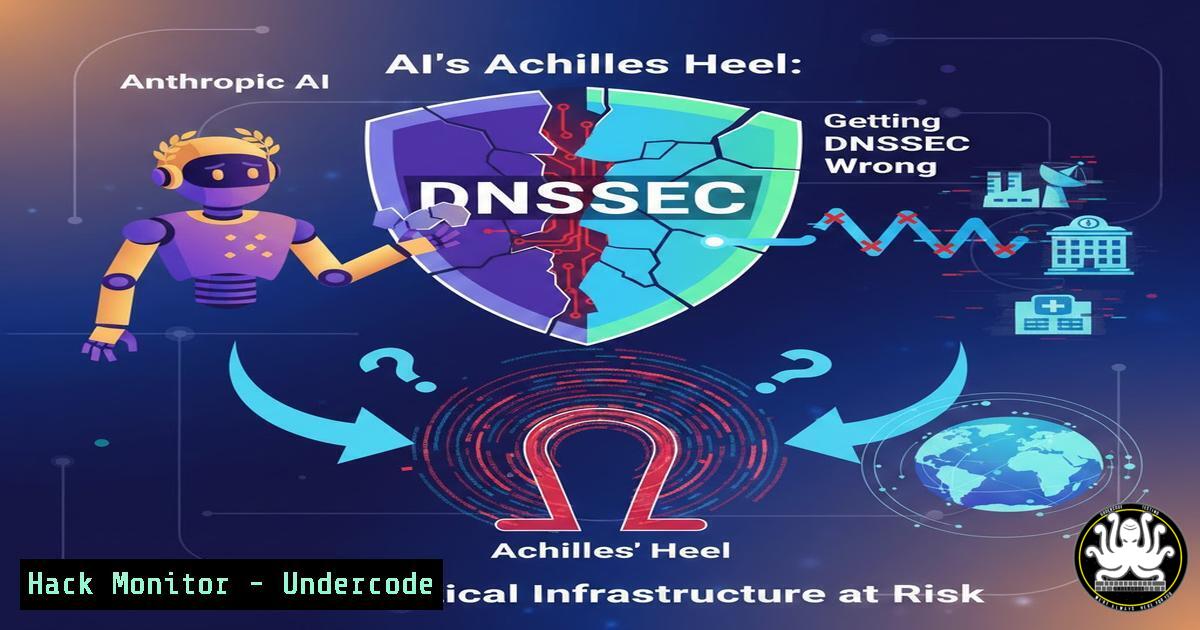
The breakneck race for artificial intelligence dominance is replicating a critical error from the early days of the internet: prioritizing feature velocity over foundational security. Recent analysis of major AI platforms, including Anthropic, reveals significant lapses in basic DNS hygiene, specifically regarding DNSSEC implementation and certificate management. As governments classify the Domain Name System (DNS) as Critical National Infrastructure, these vulnerabilities expose the “soft underbelly” of the AI ecosystem, creating pathways for interception, trust-chain compromise, and large-scale data breaches that undermine global digital trust.
Learning Objectives:
- Understand the role of DNSSEC in preventing cache poisoning and man-in-the-middle attacks against AI/cloud infrastructure.
- Learn how to audit DNS configurations for common misconfigurations and incomplete security postures.
- Master practical command-line techniques to verify DNSSEC validation and troubleshoot authentication surfaces.
You Should Know:
1. Auditing AI Infrastructure for DNSSEC Validation Errors
The core issue highlighted by Andy Jenkinson is the presence of “incomplete DNSSEC posture” and certificate hostname mismatches. DNSSEC (Domain Name System Security Extensions) adds a layer of cryptographic authentication to DNS responses, ensuring that the IP address you receive for `anthropic.com` actually came from the authoritative nameserver and was not tampered with. Without it, attackers can redirect users to malicious servers via DNS cache poisoning.
To audit a domain’s DNSSEC status, security professionals can use the `dig` command-line tool (available on Linux/macOS). Here is how to verify if a domain is properly signed:
Step-by-step guide: Auditing with `dig`
- Query the DNSKEY records: This retrieves the public keys used to sign the zone.
dig anthropic.com DNSKEY +multiline
- Check the RRSIG records: These are the digital signatures covering the records. If RRSIGs are missing, DNSSEC is not implemented.
dig anthropic.com RRSIG +multiline
- Validate the Chain of Trust: Use the `+dnssec` flag to request DNSSEC data and the `+ad` flag to check if the resolver considers the data authentic.
dig anthropic.com A +dnssec +ad +multiline
– Interpretation: If the `ad` (authentic data) flag is set in the response, your resolver has validated the signature. If not, the domain may be “signed” but the chain of trust to the root zone is broken (often due to missing DS records at the parent zone).
2. Hardening Authentication Surfaces Against Certificate Mismatches
The analysis also pointed to “certificate hostname mismatches on authentication surfaces.” This occurs when the SSL/TLS certificate presented by a server does not match the hostname the user’s browser or application is trying to reach. In an AI context, this could involve a subdomain used for API endpoints (api.anthropic.com) serving a certificate issued for a generic or mismatched domain.
This is often a configuration error in the web server or load balancer. Here is how to manually test for this vulnerability using `openssl` (Linux/Windows via WSL) and how to enforce correct configurations on a Linux host.
Step-by-step guide: Verifying Certificate Mismatches
1. Manually fetch the certificate from the server:
openssl s_client -connect api.anthropic.com:443 -servername api.anthropic.com 2>/dev/null | openssl x509 -text
This command forces a TLS handshake and pipes the output to display the certificate details.
2. Extract and verify the Subject Alternative Names (SANs): Look for the `X509v3 Subject Alternative Name` field in the output. The hostname you connected to must be listed here.
3. Mitigation – Nginx Configuration: Ensure your `server` block explicitly defines the correct certificate for the specific server name.
server {
listen 443 ssl;
server_name api.your-ai-platform.com;

ssl_certificate /etc/ssl/certs/api.your-ai-platform.com.crt;
ssl_certificate_key /etc/ssl/private/api.your-ai-platform.com.key;

Enforce strict SNI (Server Name Indication)
ssl_session_cache shared:SSL:10m;
ssl_session_timeout 10m;
}
3. DNS Cache Poisoning Prevention via System Hardening
For enterprise endpoints interacting with AI services, ensuring the local DNS resolver validates DNSSEC is crucial. On a Linux system using systemd-resolved, you can verify and enforce this.
Step-by-step guide: Enforcing DNSSEC on Linux Clients
1. Check current DNSSEC support:
resolvectl status
Look for the line “DNSSEC” under the global section. It should read `yes` or allow-downgrade.
2. Enable DNSSEC enforcement:
sudo resolvectl dnssec eth0 yes
(Replace `eth0` with your primary network interface).
- Verify against a known secure domain: Query a domain known to be DNSSEC-signed (like
internic.net) and check for the authentication flag.resolvectl query internic.net
Or using `delv` (a more DNSSEC-focused tool):
delv internic.net
A successful validation will show a response with no errors and indicate the data is signed.
- Cloud Infrastructure: Auditing DNS Zones in AWS Route 53
For organizations hosting AI infrastructure in the cloud, ensuring DNSSEC is enabled on hosted zones is a fundamental security control. In AWS, this involves signing the zone and establishing a chain of trust with the domain registrar.
Step-by-step guide: Enabling DNSSEC in AWS Route 53
- Create a Key Signing Key (KSK): In the AWS Console, navigate to Route 53 > Hosted zones > your-zone > DNSSEC signing. Click “Manage keys” and create a new KSK.
- Activate DNSSEC signing: After creating the key, enable “DNSSEC signing” for the zone.
- Establish the Chain of Trust: The console will provide a Delegation Signer (DS) record. You must take this DS record and add it to your domain registrar’s configuration (e.g., GoDaddy, Namecheap). This links the child zone (your domain) to the parent zone (e.g., .com).
4. Verification via CLI:
aws route53 get-dnssec --hosted-zone-id ZONE_ID
This command confirms the status of your DNSSEC keys and signatures.
5. Windows Server: Validating DNSSEC with PowerShell
On Windows networks, administrators can use PowerShell to test DNSSEC resolution.
Step-by-step guide: PowerShell DNSSEC Testing
1. Test DNSSEC validation:
Resolve-DnsName -Name anthropic.com -Type A -DnssecOk
2. Analyze the output: Look for the `ValidationStatus` property. A status of `Successful` indicates the response passed DNSSEC validation. If it is None, the resolver did not attempt validation, or the domain is not signed.
3. Query for specific record types to inspect keys:
Resolve-DnsName -Name anthropic.com -Type DNSKEY
6. Exploitation Scenario: The Rogue AI Endpoint
The real-world risk of missing DNSSEC and certificate mismatches is a sophisticated man-in-the-middle (MITM) attack. If an attacker compromises a upstream DNS cache (or performs a birthday attack) and DNSSEC is absent, they can replace the legitimate IP address of an AI API endpoint with a malicious server.
- The Attack: The user’s application requests
api.anthropic.com. The attacker’s malicious DNS server responds with `192.0.2.1` (attacker’s server) instead of the real IP. - The Interception: The application connects to the attacker’s server. Because of certificate mismatches or weak validation, the application might accept a self-signed or mismatched certificate.
- Data Exfiltration: The attacker proxies the request to the real Anthropic API, capturing the API key and the content of the request (which may include sensitive prompts or user data).
Mitigation via Strict Certificate Pinning:
For developers, implement HTTP Public Key Pinning (HPKP) or Certificate Pinning in your AI client applications, although this is being phased out for Expect-CT. A more modern approach is to enforce strict DNS-over-HTTPS (DoH) with DNSSEC validation in your application code.
 Example using Python's requests with DNSSEC validation via a DoH resolver
import dns.resolver
import requests

Use a DoH resolver that validates DNSSEC (like Cloudflare 1.1.1.1)
resolver = dns.resolver.Resolver(configure=False)
resolver.nameservers = ['1.1.1.1']
resolver.use_dnssec = True

In a production app, you would verify the IP against a pre-known good list
 or ensure the TLS connection is validated against the pinned certificate.
What Undercode Say:
- Key Takeaway 1: The AI industry is building skyscrapers on sandy foundations. The lack of DNSSEC and proper certificate hygiene at major AI players is not a minor oversight; it is a systemic failure that exposes the entire supply chain to sophisticated redirection attacks. If we cannot trust the “phone book” to find the AI, we cannot trust the AI itself.
- Key Takeaway 2: “Critical National Infrastructure” status for DNS demands immediate action. Security professionals must treat DNS zones with the same rigor as firewall rules and IAM policies. DNSSEC is no longer a “nice-to-have” for AI companies; it is a baseline requirement for national security and enterprise risk management.
The current situation mirrors the early internet’s “function over security” ethos perfectly. We are 40 years into the internet’s lifecycle, yet we are repeating the same mistakes with a technology that holds far greater potential for societal impact. The accountability lies with developers and platform engineers to patch this “digital plumbing” before a major incident forces a catastrophic and trust-eroding response from regulators and the public.
Prediction:
Within the next 18-24 months, we will see a major AI provider suffer a publicly disclosed security incident directly attributable to DNS hijacking or a certificate authority compromise. This incident will force a regulatory mandate (similar to the GDPR but for infrastructure security) requiring all government-contracted AI vendors to demonstrate full DNSSEC implementation and pass rigorous TLS configuration audits, effectively making DNS hygiene a mandatory compliance checkbox for the AI industry.
▶️ Related Video (72% Match):
🎯Let’s Practice For Free:
IT/Security Reporter URL:
Reported By: Stuart Wood – Hackers Feeds
Extra Hub: Undercode MoN
Basic Verification: Pass ✅


