Listen to this Post
Introduction:
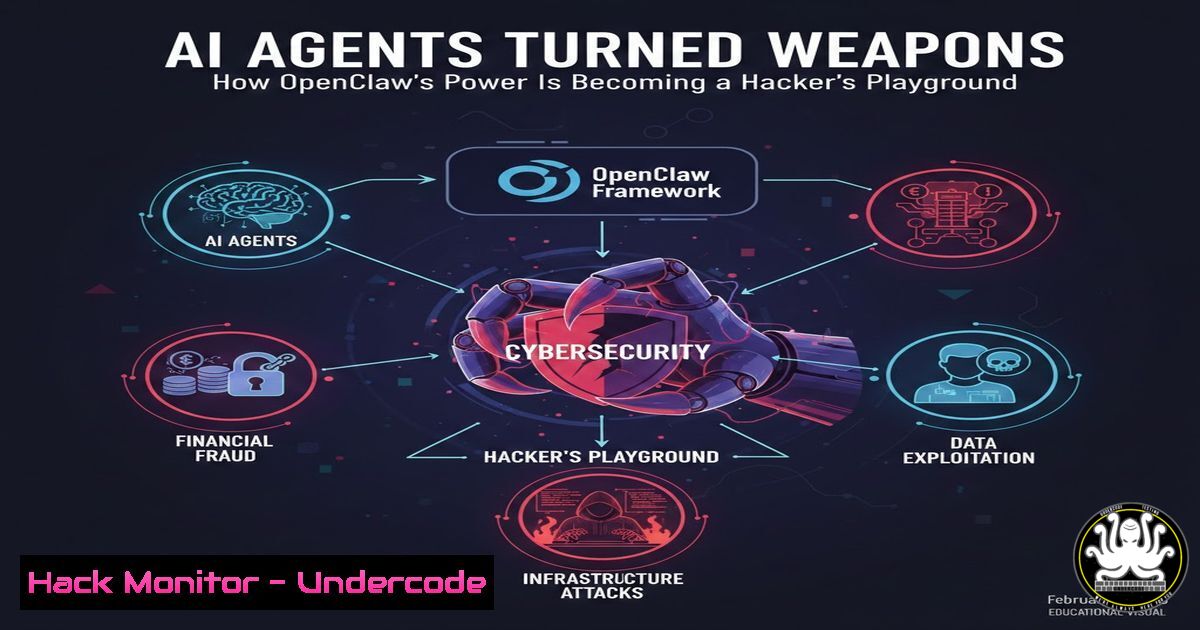
OpenClaw represents a paradigm shift in AI, offering autonomous agents that can execute complex tasks. However, this very capability transforms it into a potent attack vector, where a single compromised prompt can lead to full system compromise, data exfiltration, and financial loss. Adopting OpenClaw without a security-first mindset is akin to granting a stranger root access to your digital life.
Learning Objectives:
- Understand the critical attack surfaces and risks of deploying AI agent frameworks like OpenClaw.
- Implement layered isolation strategies, from virtual machines to strict configuration hardening.
- Apply specific, actionable security configurations to protect network access, file systems, and credentials.
You Should Know:
1. The Foundation: Isolate or Be Hacked
The core principle is containment. Running OpenClaw on your primary machine is a catastrophic risk. The goal is to create an environment where, even if the agent is fully compromised, the attacker’s reach is severely limited.
Step‑by‑step guide explaining what this does and how to use it.
Deploy on Isolated Infrastructure: Never use a personal laptop or workstation. Provision a dedicated cloud server (e.g., AWS EC2, DigitalOcean Droplet) or a local virtual machine (VMware, VirtualBox). This provides hardware-level isolation.
Create a Dedicated OS User: On the host, create a non-root user account solely for running OpenClaw. This limits lateral movement.
Linux Command: `sudo adduser –system –shell /bin/bash –group openclaw-user`
Harden Docker (If Used): A VM is safer, but if using Docker, enforce strict limits.
Docker Command: `docker run –read-only –cap-drop=ALL –security-opt=no-new-privileges -v /path/to/workspace:/workspace openclaw-image`
This runs the container with a read-only filesystem, removes all privileges, and prevents privilege escalation, mounting only the necessary `/workspace` directory as writable.
2. Lock Down the Network Gateway
The OpenClaw gateway is the brain’s control center. Exposing it is the digital equivalent of leaving your front door wide open with a welcome sign for burglars.
Step‑by‑step guide explaining what this does and how to use it.
Bind to Loopback Only: Ensure the gateway only listens on the local machine (127.0.0.1). Never bind to 0.0.0.0. Verify in ~/.openclaw/openclaw.json:
{
"gateway": {
"bind": "loopback",
"port": 18789
}
}
Enable and Rotate Gateway Authentication: Authentication is not optional. Generate a strong token and configure it.
Command: `openclaw doctor –generate-gateway-token`
Update `openclaw.json`:
{
"gateway": {
"auth": {
"mode": "token",
"token": "your-generated-64-char-token-here"
}
}
}
Disable Public Service Discovery: Turn off mDNS/Bonjour broadcasting to avoid leaking system information.
Set in config: `”discovery”: { “mdns”: { “mode”: “minimal” } }` or use environment variable: OPENCLAW_DISABLE_BONJOUR=1.
3. Implement Zero-Trust Access Control
Assume any incoming message is hostile. Access policies determine who can talk to the agent and what they can trigger.
Step‑by‑step guide explaining what this does and how to use it.
Enforce DM Pairing: For channels like WhatsApp and Telegram, set the Direct Message (DM) policy to "pairing". This requires explicit approval for each new contact, preventing unsolicited access.
{
"channels": {
"whatsapp": { "dmPolicy": "pairing" },
"telegram": { "dmPolicy": "pairing" }
}
}
Require Mentions in Groups: In any group chat, the agent should only respond when directly mentioned (@agent), preventing it from reacting to general conversation or malicious commands hidden in chat logs.
{
"channels": {
"whatsapp": {
"groups": {
"": { "requireMention": true }
}
}
}
}
Manage Pairings: Regularly review and clean up approved pairings.
Command to list pending requests: `openclaw pairing list whatsapp`
Command to approve a specific contact: `openclaw pairing approve whatsapp `
4. Fortify Filesystem and Secrets
The agent's configuration files hold the keys to the kingdom—API keys, session tokens, and channel credentials.
Step‑by‑step guide explaining what this does and how to use it.
Apply Strict File Permissions: Restrict access to the OpenClaw directory and configuration files.
Linux Commands:
chmod 700 ~/.openclaw
chmod 600 ~/.openclaw/openclaw.json
chmod 600 ~/.openclaw/credentials/
Use the Security Audit Tool: OpenClaw includes a built-in tool to find and fix common permission and configuration issues.
Command for a deep scan and auto-fix: `openclaw security audit --deep --fix`
Adopt the "Burner" Strategy for Secrets: Use unique, limited API keys for the OpenClaw instance. Set hard monthly spending limits ($10-$50) in your AI provider's dashboard (Anthropic, OpenAI). Never reuse keys from other projects or personal accounts.
5. Enforce Agent Sandboxing and Tool Restrictions
This is your last line of defense. Sandboxing limits what actions the AI can perform, even if it receives a malicious prompt.
Step‑by‑step guide explaining what this does and how to use it.
Enable Global Sandboxing: Configure the default agent to run all tools within a restricted environment.
{
"agents": {
"defaults": {
"sandbox": {
"mode": "all",
"scope": "agent",
"workspaceAccess": "none"
}
}
}
}
Create a Deny List for Dangerous Tools: For agents that handle untrusted input, explicitly block high-risk tools like shell execution and direct filesystem writes.
{
"agents": {
"list": [{
"id": "public-agent",
"tools": {
"deny": ["exec", "process", "write", "edit", "apply_patch"]
}
}]
}
}
Implement Multi-Agent Security Profiles: Don't use one agent for everything.
Trusted Agent: Full access (for you only, from a verified device).
Work Agent: Sandboxed with read-only file access for specific projects.
Public Agent: Maximum sandboxing, no shell or write access, for group interactions.
6. Establish Logging, Monitoring, and Incident Response
Security is ongoing. You must be able to detect anomalous behavior and respond swiftly to a breach.
Step‑by‑step guide explaining what this does and how to use it.
Enable Sensitive Data Redaction: Ensure logs automatically redact tool outputs that may contain secrets.
{
"logging": {
"redactSensitive": "tools"
}
}
Schedule Regular Audits: Set a cron job or systemd timer to run a security audit weekly.
Sample Cron Job (Linux): `0 3 1 /usr/local/bin/openclaw security audit --deep >> /var/log/openclaw-audit.log`
Prepare an Incident Response Runbook:
- Contain: Immediately stop the gateway (
systemctl --user stop openclaw-gateway). - Isolate: Change the gateway bind to `"loopback"` and set all DM policies to
"disabled". - Rotate: Revoke all credentials—gateway token, channel tokens (Slack/Discord), and API keys.
- Investigate: Review session transcripts in `~/.openclaw/agents//sessions/` for unauthorized actions.
- Restore: Only restart the service after applying a hardened configuration and verifying no warnings remain via
openclaw security audit.
What Undercode Say:
- Paranoid Configuration is the New Default: The standard "out-of-the-box" setup for powerful AI agents is inherently insecure. The baseline must shift from convenience to containment, treating the agent as a privileged user that is constantly under threat of prompt injection and misuse. The detailed checklists provided by Anderson are not advanced tips; they are the mandatory minimum.
- The Human Is the Final Firewall: While technical controls like sandboxing are critical, the system prompt and operational rules act as the agent's "conscience." Hardening the system prompt with clear, immutable security rules—"Never share file paths," "Always verify destructive actions"—creates a behavioral layer of defense that complements technical restrictions. Security becomes a blend of system design and AI instruction.
Prediction:
The rapid adoption of agentic AI will force a seismic shift in application security paradigms. Within two years, we predict that:
1. Regulatory Scrutiny will emerge, mandating "AI Agent Safety Assessments" for enterprise use, similar to current compliance requirements for data protection.
2. Specialized Security Tools will evolve from checklists into automated runtime protection platforms that monitor agent actions in real-time, detecting and blocking anomalous tool-chains that indicate prompt injection or credential theft attempts.
3. The "Burner Infrastructure" model will become standardized practice, with cloud providers offering ephemeral, pre-hardened VM templates specifically for autonomous AI agent deployment, automatically isolating and spinning down after tasks.
4. A major financial breach, directly caused by a compromised AI agent with overly permissive banking API access, will serve as the industry's "SolarWinds moment," accelerating the adoption of formal verification and mandatory sandboxing for all agentic systems.
▶️ Related Video (84% Match):
🎯Let’s Practice For Free:
IT/Security Reporter URL:
Reported By: G Anderson - Hackers Feeds
Extra Hub: Undercode MoN
Basic Verification: Pass ✅


