Listen to this Post
Introduction:
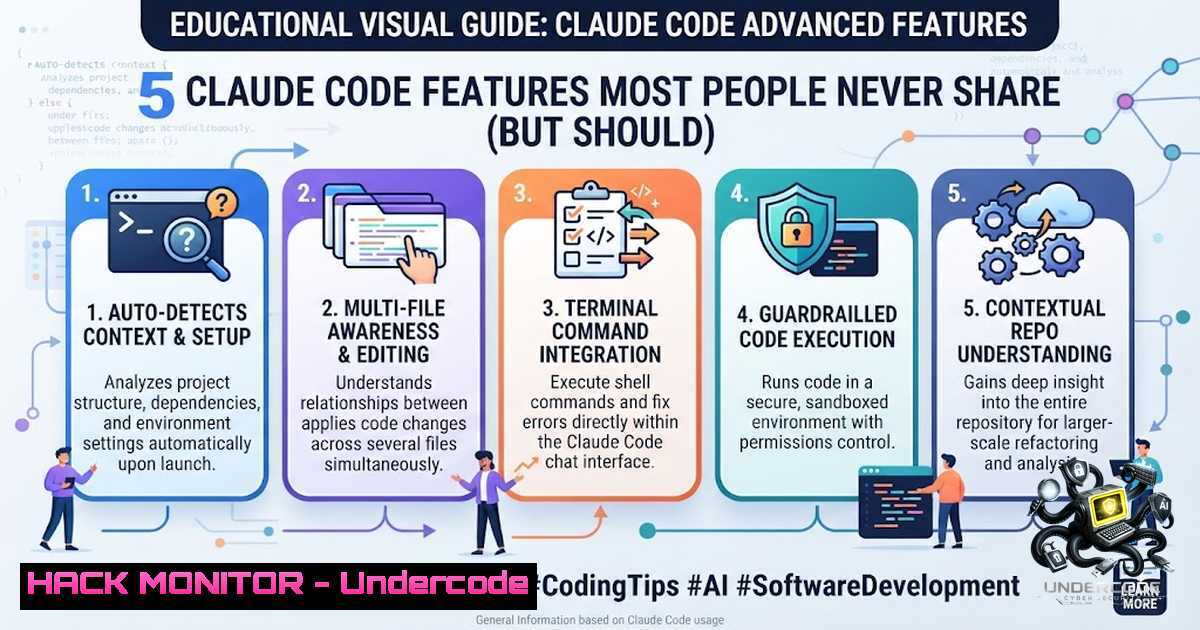
Claude Code is not a chatbot. It is a full agentic runtime with a tool system, memory system, permission engine, task manager, and multi-agent coordinator all wired together. Yet most developers are leaving 80% of its power on the table because they treat it like a simple conversational interface rather than the infrastructure it was designed to be. This article unpacks five underutilized features that separate casual users from the top 1%—transforming Claude Code from a chat assistant into a force multiplier for your entire development workflow.
Learning Objectives:
- Master the hooks system to intercept and control every tool call for automated linting, security enforcement, and compliance checks
- Implement path-specific rules to eliminate context rot and maintain focused, relevant AI assistance across different project modules
- Leverage slash commands and session management for granular control over AI behavior, cost optimization, and workflow continuity
- Configure CLAUDE.md as a high-leverage operational brief rather than a passive documentation dump
- Design permission policies and multi-agent orchestration to unlock parallel execution and true automation
- The Hooks System: Intercepting Every Tool Call for Security and Quality Control
The hooks system is perhaps the most powerful yet overlooked feature in Claude Code. Every tool call—whether file edits, bash commands, or API requests—can be intercepted using `PreToolUse` and `PostToolUse` hooks. This enables you to inject automated quality checks, security validations, and compliance enforcement directly into the AI’s execution pipeline.
Step‑by‑step guide:
- Create a hooks configuration file in your project root (e.g.,
.claude/hooks.json):{ "hooks": { "PreToolUse": { "edit": "scripts/pre-edit-lint.sh", "bash": "scripts/security-check.sh" }, "PostToolUse": { "edit": "scripts/auto-format.sh" } } }
2. Write a pre-edit linting script (`scripts/pre-edit-lint.sh`):
!/bin/bash
 Runs linter before any file edit is applied
echo "Running pre-edit lint check..."
npx eslint --fix "$1" || exit 1
- Implement a security check for bash commands (
scripts/security-check.sh):!/bin/bash Blocks dangerous commands if echo "$1" | grep -qE "rm -rf|sudo|chmod 777"; then echo "Blocked: Dangerous command detected" exit 1 fi
4. Set up a post-edit auto-format hook (`scripts/auto-format.sh`):
!/bin/bash
 Auto-formats after every edit
npx prettier --write "$1"
5. Make scripts executable: `chmod +x scripts/.sh`
What this does: Every time Claude Code attempts to edit a file or run a bash command, your custom scripts execute first—enforcing code quality, preventing security mistakes, and ensuring consistency without requiring manual oversight.
- Path-Specific Rules: Eliminating Context Rot with Granular Configuration
One bloated CLAUDE.md file that applies globally is the fastest path to context rot. Claude Code supports path-specific rules that only load for designated folders, keeping context relevant and focused.
Step‑by‑step guide:
1. Create a directory-specific rule file at `/src/api/CLAUDE.md`:
 API Module Rules
- Use OpenAPI 3.0 specifications
- All endpoints must include authentication middleware
- Rate limiting: 100 requests per minute per IP
- Error responses must follow RFC 7807 format
2. Create frontend-specific rules at `/components/CLAUDE.md`:
 Frontend Component Rules
- Use React functional components with hooks
- Styling: Tailwind CSS utility classes only
- Accessibility: WCAG 2.1 AA compliance required
- State management: Zustand for global state
3. Create a root-level CLAUDE.md for project-wide conventions:
 Project-wide Conventions
- TypeScript strict mode enabled
- Testing: Jest + React Testing Library
- Commit messages: Conventional Commits format
- Branch strategy: GitHub Flow
- Verify rule loading by starting Claude Code in different directories—only relevant rules will be injected into the context.
What this does: Instead of one monolithic instruction file that confuses the AI with irrelevant details, path-specific rules ensure Claude Code understands the exact context of each module it touches. API rules don’t pollute frontend work, and vice versa.
- Slash Commands and Session Management: The 85 Commands You’re Not Using
The leaked Claude Code source code revealed approximately 85 slash commands. Most users know maybe five. Commands like /plan, /compact, /context, and `/cost` can change your daily workflow immediately.
Step‑by‑step guide to essential slash commands:
1. `/plan` – Before writing any code, ask Claude to create a detailed implementation plan:
/plan Build a REST API endpoint for user authentication with JWT
Claude will outline the architecture, dependencies, and step-by-step implementation before touching a single file.
2. `/compact` – When conversations grow too long and context windows fill up, use `/compact` to summarize the discussion and free up token space without losing critical information.
3. `/context` – Display the current context being used, including which files are loaded and what rules are active:
/context
4. `/cost` – Track token usage and estimated costs in real-time, helping you optimize which model to use for which task.
5. `/review` – Request a comprehensive code review before committing changes:
/review src/auth/jwt.ts
Claude will analyze the file for bugs, performance issues, security vulnerabilities, and improvement suggestions.
6. `/undo` and `/redo` – Atomic rollback of file modifications:
/undo  Reverts the last change
/redo  Re-applies a reverted change
These operate at the file level, ensuring your codebase never enters a half-finished state.
7. `–resume ` – Resume an interrupted session:
claude --resume abc123def456
Every session has a unique ID. Use this to pick up exactly where you left off after a crash, network drop, or device switch.
What this does: Slash commands give you surgical control over Claude Code’s behavior. Instead of hoping the AI guesses what you want, you explicitly direct its actions—planning, reviewing, rolling back, and managing context with precision.
- CLAUDE.md: The Highest-Leverage Input in the Entire System
The CLAUDE.md file is the single most underrated configuration element in Claude Code. Think of it like an onboarding document for an employee—short, opinionated, and operational. Not a novel about your project history.
Step‑by‑step guide to writing an effective CLAUDE.md:
1. Start with project identity (3–5 lines):
 Project: E-Commerce Platform API
- TypeScript + Node.js + Express
- PostgreSQL with Prisma ORM
- Redis for caching and session management
- Deployed on AWS ECS with Docker
2. Define coding standards (specific and enforceable):
Coding Standards
- Use `camelCase` for variables and functions
- Use `PascalCase` for classes and interfaces
- Maximum function length: 50 lines
- All public APIs must have JSDoc comments
- No `any` type—use `unknown` and type guards
3. Specify architectural constraints:
Architecture Constraints
- Domain logic goes in `/src/domain/`
- Infrastructure code (DB, cache, external APIs) in `/src/infrastructure/`
- Presentation layer (controllers, routes) in `/src/presentation/`
- Dependency injection via Awilix container
4. Document common workflows:
Common Workflows
- New feature: Create domain entity → write use case → implement repository → expose via controller → add tests
- Database migration: `npx prisma migrate dev --1ame <description>`
- Run tests: `npm test` (unit) or `npm run test:e2e` (end-to-end)
5. List known pain points and preferences:
Known Issues & Preferences
- The payment service is flaky—always mock it in tests
- Prefer functional core / imperative shell pattern
- Use Zod for runtime validation
- Logging: Pino with structured JSON logs
What this does: Top users don’t write better prompts. They design a better operating environment for Claude Code. A well-crafted CLAUDE.md ensures every prompt works harder and produces output that feels like it came from someone who understands your project intimately.
5. Permission Management and Multi-Agent Orchestration
Claude Code feels slow when it stops to ask “can I run this?” fifteen times per session. The solution is wildcard permission rules. Beyond that, the architecture is built for multi-agent work—one agent exploring, another implementing, another validating tests—all in parallel.
Step‑by‑step guide to permissions and multi-agent setup:
1. Configure permission wildcards in `.claude/config.json`:
{
"permissions": {
"allow": [
"npm install ",
"git status",
"git diff",
"node scripts/.js"
],
"deny": [
"rm -rf /",
"sudo ",
"chmod 777 "
],
"ask": [
"git push ",
"docker "
]
}
}
2. Enable parallel agent mode (feature flag):
claude --experimental parallel-agents
- Create a multi-agent workflow using the coordinator system:
Multi-Agent Task: Implement Authentication</li>
</ol>

- Agent 1 (Explorer): Analyze existing auth patterns in codebase
- Agent 2 (Implementer): Write new JWT authentication middleware
- Agent 3 (Validator): Write integration tests and verify security
- Use `/model` to route tasks to cheaper models:
/model claude-3.5-haiku
Not every task needs the most powerful model. Route simple tasks to Haiku for cost efficiency.
-
Run skills in isolated contexts using
context: fork:/skill analyze-security --context:fork
The skill runs in a completely isolated subagent and returns only the summary. The main conversation stays focused on implementation.
What this does: Proper permissions eliminate friction. Multi-agent orchestration unlocks parallel execution for complex tasks. Model switching optimizes cost. Isolated contexts prevent pollution of the main conversation thread.
What Undercode Say:
- Claude Code is infrastructure, not a chatbot. Most teams use it like a conversational interface and leave 80% of its capability unused. The shift from “chatting with AI” to “configuring an agent runtime” is the fundamental mindset change that separates top performers from casual users.
-
The CLAUDE.md file is the highest-leverage configuration point. Writing a short, opinionated operational brief yields dramatically better results than endless prompt engineering. The environment you design determines the quality of every subsequent interaction.
-
Hooks and permissions are the automation backbone. Intercepting tool calls for linting, security checks, and formatting turns Claude Code into a self-enforcing quality gate. Permission wildcards eliminate the friction of constant approval requests.
-
Multi-agent orchestration is the future. Parallel execution—one agent exploring, another implementing, another validating—is already built into the architecture. Feature flags for voice mode and daemon mode are already in the codebase, waiting to ship.
-
The top 1% don’t write better prompts. They design better operating environments. This insight from the leaked source code analysis is the single most important takeaway. Your success with Claude Code depends less on how you ask and more on how you set up the system before you even start asking.
Prediction:
- +1 Agentic coding tools like Claude Code will fundamentally reshape software development workflows within 12–18 months. The shift from passive code generation to active agent orchestration will become the new industry standard.
- +1 The hooks and permissions systems will evolve into enterprise-grade governance frameworks, enabling organizations to deploy AI agents with security, compliance, and quality controls baked in at every layer.
- -1 Organizations that fail to adopt agentic coding infrastructure will face growing productivity gaps. Developers who continue treating AI as a chatbot will be left behind by peers who treat it as a system.
- +1 Voice-controlled coding (already present as internal feature flags) will become mainstream, dramatically lowering the barrier to entry for non-traditional developers and accelerating prototyping cycles.
- +1 The multi-agent coordinator pattern will expand beyond coding into adjacent domains—system administration, security operations, and DevOps—creating a new category of “agent orchestration” platforms.
▶️ Related Video (88% Match):
https://www.youtube.com/watch?v=-x3BqG2j7h8
🎯Let’s Practice For Free:
🎓 Live Courses & Certifications:
Join Undercode Academy for Verified Certifications
🚀 Request a Custom Project:
Secure, high-velocity infrastructure and disruptive technological engineering. Contact our engineering team for high-tier development and proprietary systems:
[email protected]
💎 Smart Architecture | 🛡️ Secure by Design | ⭐ Trusted by ThousandsIT/Security Reporter URL:
Reported By: Vikashyavansh 5 – Hackers Feeds
Extra Hub: Undercode MoN
Basic Verification: Pass ✅🔐JOIN OUR CYBER WORLD [ CVE News • HackMonitor • UndercodeNews ]
📢 Follow UndercodeTesting & Stay Tuned:
- Use `/model` to route tasks to cheaper models:


