Listen to this Post
Introduction:
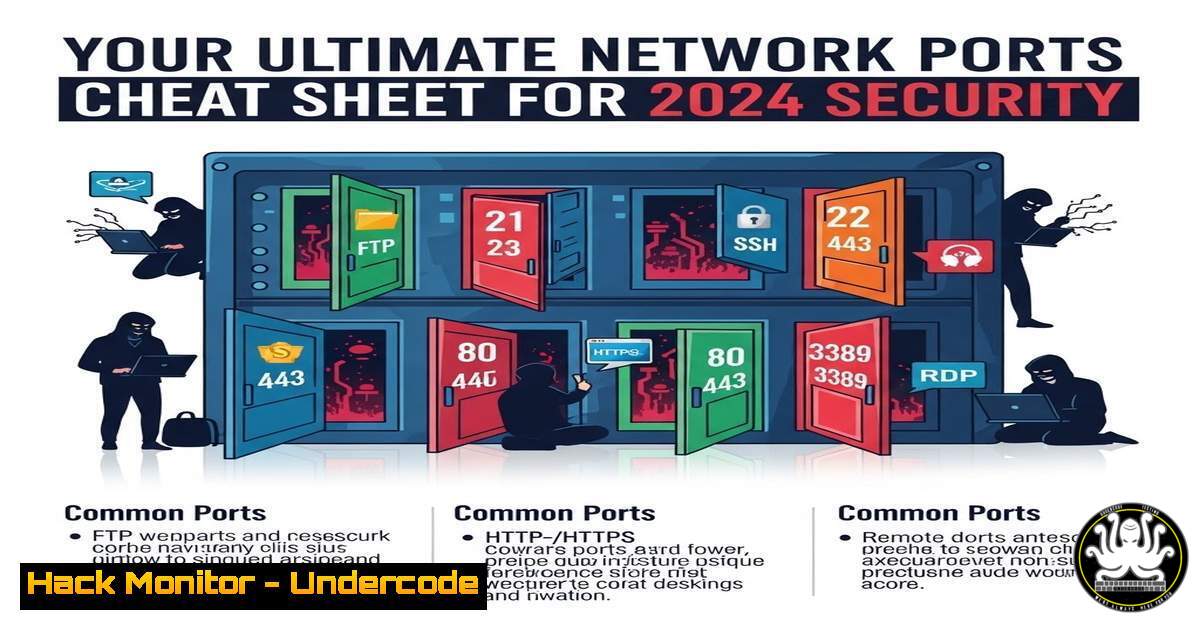
In the digital realm, network ports are the fundamental gatekeepers of data flow, dictating how information enters and leaves a system. Understanding these ports is not merely academic; it is a critical cybersecurity imperative. This article expands beyond the basic cheat sheet to provide a tactical guide on securing, auditing, and managing these essential communication endpoints, transforming fundamental knowledge into actionable defense.
Learning Objectives:
- Master the function, security risks, and hardening techniques for the most critical TCP/IP ports.
- Learn to audit active ports and services on both Linux and Windows systems using native command-line tools.
- Implement practical firewall rules and configuration changes to mitigate common port-based vulnerabilities.
You Should Know:
- The Web’s Foundation: Securing Ports 80 & 443
The web operates on a clear, yet vulnerable, dichotomy. Port 80 (HTTP) transmits data in plaintext, making it a prime target for eavesdropping. Port 443 (HTTPS) encrypts traffic using TLS/SSL, protecting data integrity and confidentiality. The critical action is to disable HTTP entirely and enforce HTTPS.
Step‑by‑step guide:
- Audit for Web Services: First, identify what’s listening on web ports.
On Linux: `sudo netstat -tulpn | grep ‘:80\|:443’` or `sudo ss -ltnp | grep ‘:80\|:443’`
On Windows: `netstat -ano | findstr :80` and `netstat -ano | findstr :443`
2. Force HTTPS Redirect: Configure your web server (e.g., Nginx, Apache) to redirect all HTTP traffic to HTTPS.
Example for Nginx: Within your server block for port 80, add: `return 301 https://$host$request_uri;` - Harden Your TLS Configuration: Disable outdated protocols (SSLv2/3, TLS 1.0/1.1). Use tools like `nmap` to test your configuration:
nmap --script ssl-enum-ciphers -p 443 your-server.com. -
Email Gateway Security: Ports 25 (SMTP), 587 (Submission), & 143/993 (IMAP)
Legacy email ports are heavily exploited for spam and credential theft. Port 25 should be restricted to mail server-to-server communication only. Client submission should use port 587 with STARTTLS. Always use encrypted variants: IMAPS (993) over IMAP (143).
Step‑by‑step guide:
- Block Unauthenticated SMTP on Port 25: On your mail server, configure SMTP to reject relays from unauthorized IPs.
-
Enforce Encrypted Client Submission: Ensure your mail server (e.g., Postfix, Exchange) is listening on port 587 and requires STARTTLS.
Postfix `master.cf` snippet: `submission inet n – y – – smtpd -o syslog_name=postfix/submission -o smtpd_tls_security_level=encrypt -o smtpd_client_restrictions=permit_sasl_authenticated,reject`
3. Disable Plain-Text IMAP/POP3: Turn off services on ports 143 (IMAP) and 110 (POP3), forcing clients to use 993 (IMAPS) and 995 (POP3S). -
The Administrator’s Lifeline: Hardening SSH (22) and RDP (3389)
SSH and RDP are prime targets for brute-force attacks. Leaving them exposed with weak credentials guarantees eventual compromise.
Step‑by‑step guide for SSH (Linux):
1. Disable Password Authentication: Use key-based authentication exclusively.
Edit `/etc/ssh/sshd_config`: `PasswordAuthentication no` `PubkeyAuthentication yes`
- Change the Default Port: (Security through obscurity, not a standalone solution). Change `Port 22` to a high-numbered port.
- Use Fail2Ban: Automatically block IPs with too many failed login attempts: `sudo apt install fail2ban` (Debian/Ubuntu).
Step‑by‑step guide for RDP (Windows):
- Enable Network Level Authentication (NLA): This requires authentication before a session is established. Set via Group Policy Editor (
gpedit.msc) under Computer Configuration > Administrative Templates > Windows Components > Remote Desktop Services. - Restrict Access via Firewall: Use Windows Firewall with Advanced Security to limit RDP (TCP 3389) access to specific administrator IP addresses only.
- Consider a VPN Gateway: Never expose RDP directly to the internet. Place it behind a VPN that requires multi-factor authentication.
4. The Risky Legacy: Phasing Out FTP (20/21)
FTP is notoriously insecure, transmitting credentials and data in clear text. It must be replaced with secure alternatives.
Step‑by‑step guide:
- Audit and Uninstall FTP Servers: Use system audit commands (
netstat,ss) to find FTP services. Uninstall packages like `vsftpd` or disable the FTP Server Windows feature. - Deploy SFTP (SSH File Transfer Protocol): SFTP runs over the SSH port (22) and uses its encryption. No separate daemon is needed if SSH is running.
- For Cross-Platform Transfers, Use SCP or RSYNC over SSH:
Copy a file securely: `scp -P 2222 /local/file.txt user@remotehost:/remote/directory/`
Sync directories securely: `rsync -avz -e “ssh -p 2222” /source/ user@remotehost:/destination/`
5. The Art of Discovery: Proactive Port Auditing
You cannot secure what you don’t know exists. Regular port auditing is essential for maintaining a clean attack surface.
Step‑by‑step guide:
- Internal Enumeration: Use `netstat` or `ss` on individual hosts, as shown above.
- Network-Wide Scanning: Use `nmap` from a designated security workstation to discover open ports across the network.
Basic scan: `nmap -sS -T4 192.168.1.0/24`
Service version detection: `nmap -sV -p 1-1000 target-ip`
CRITICAL: Only scan networks you own or have explicit written permission to test.
3. Establish a Baseline: Document expected open ports for each server type (e.g., web server: 443, 22). Any deviation from this baseline triggers an investigation.
What Undercode Say:
- Knowledge is Your First Firewall. Memorizing ports is the foundational step that enables precise security policy creation, from writing firewall rules to configuring intrusion detection systems. An open port is an implicit trust grant; know what you are trusting.
- Default Deny is the Only Sustainable Posture. The core principle of network security must be to block all traffic by default and only explicitly allow necessary communications. This “zero-trust” approach at the network layer minimizes the attack surface exposed by forgotten or unnecessary services.
Prediction:
The future of port security lies in dynamic, context-aware policies moving beyond static firewall rules. With the proliferation of cloud workloads and containers, ports will be ephemeral, and security will be enforced through identity-based micro-segmentation and deep packet inspection integrated directly into the software-defined fabric. AI-driven security platforms will continuously analyze traffic patterns, automatically detecting and quarantining anomalous port activity that signifies zero-day or living-off-the-land attacks long before traditional signature-based tools can respond. The fundamental knowledge of ports will remain vital, but its application will shift from configuring hardware firewalls to programming intelligent security meshes.
▶️ Related Video (80% Match):
🎯Let’s Practice For Free:
IT/Security Reporter URL:
Reported By: Samuel M – Hackers Feeds
Extra Hub: Undercode MoN
Basic Verification: Pass ✅


