Listen to this Post
Introduction:
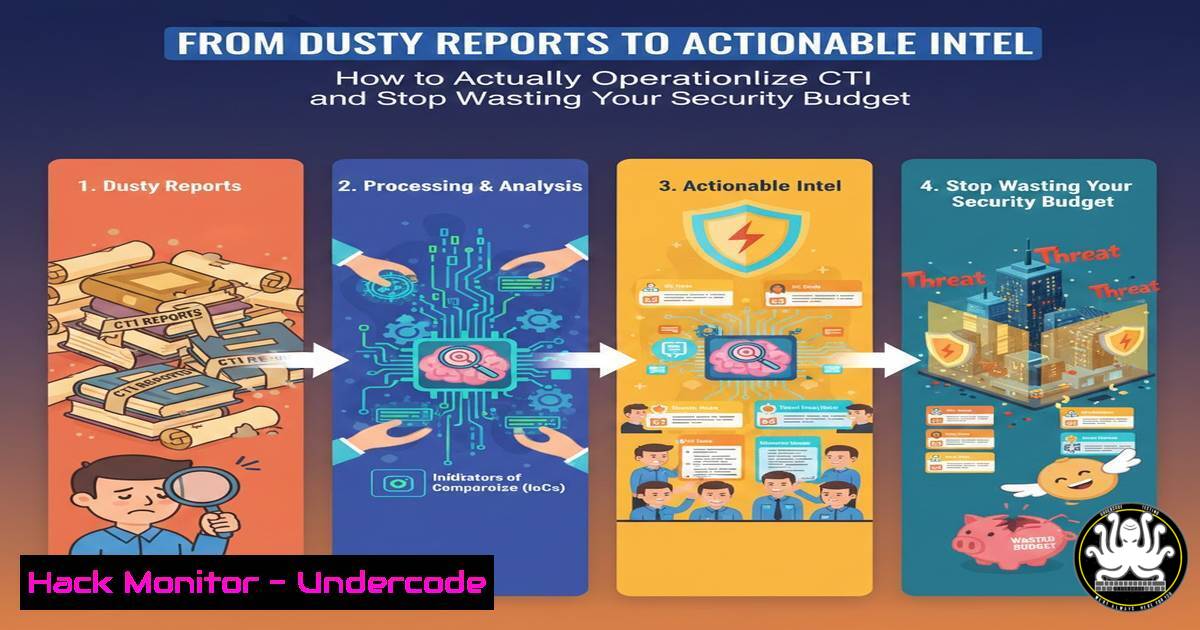
Despite record investments in curated threat intelligence feeds, many security teams find themselves drowning in data but starved for actionable insights. The core challenge isn’t collecting intelligence; it’s operationalizing Cyber Threat Intelligence (CTI)—integrating it seamlessly into security tools and processes to enable proactive defense. This article deconstructs the CTI operationalization journey, moving beyond theoretical frameworks to provide a technical blueprint for embedding intelligence into every layer of your security operations.
Learning Objectives:
- Understand the technical pillars required to transform raw threat data into automated, enforceable security controls.
- Implement open-source and commercial tools to establish a Threat Intelligence Platform (TIP) and enrichment pipeline.
- Develop automated playbooks to bridge CTI with SIEM, EDR, and firewall systems for real-time threat mitigation.
You Should Know:
- Building Your Threat Intelligence Foundation: The TIP and Data Normalization
The first step is creating a centralized repository where disparate intelligence feeds (STIX/TAXII, Open Source, vendor-specific) converge. A Threat Intelligence Platform (TIP) normalizes this data into a consistent format, like STIX 2.1, enabling analysis and automation.
Step-by-step guide:
- Choose & Deploy a TIP: For open-source, MISP is the industry standard. Deploy it on a Linux server.
On Ubuntu 22.04, install MISP via the official script
wget --no-cache -O /tmp/INSTALL.sh https://raw.githubusercontent.com/MISP/MISP/2.4/INSTALL/INSTALL.sh
sudo bash /tmp/INSTALL.sh -c -A
Follow the interactive script to set the admin password and base URL.
- Ingest Feeds: Within the MISP web interface, navigate to `Sync Actions` >
List Feeds. Enable and fetch from open-source feeds like CIRCL’s OSINT feed or add commercial TAXII feeds using the `Add TAXII Feed` functionality, providing the Discovery URL and Collection name. - Normalize Data: MISP automatically normalizes indicators (IPs, domains, hashes) into its internal data model. Use the `API` or `Events` view to search and export normalized data in STIX JSON format for use in other systems.
2. From Indicators to Context: Enrichment and Prioritization
Raw indicators are meaningless without context. Enrichment involves appending data like geolocation, WHOIS, malware sandbox results, and threat actor attribution to assess criticality and relevance to your organization.
Step-by-step guide:
- Configure Enrichment Modules: In MISP, enable enrichment modules under `Administration` >
Plugin Settings. Modules likeVirustotal,Whois, and `DNS` can be configured with API keys. - Prioritize with Tags: Use MISP’s tagging system to prioritize. For example, create tags like
tlp:red,priority:high, orimpact:financial. Automate tagging via MISP’s `Event Pipelines` based on rules (e.g., any indicator scored above 85/100 on Virustotal getspriority:high). - Manual Enrichment Script: For a custom pipeline, use a Python script with the `pymisp` and `requests` libraries.
import pymisp from virus_total_apis import PublicApi as VirusTotalPublicApi</li> </ol> misp = pymisp.PyMISP('https://your-misp-instance.com', 'YourAPIKey', ssl=False) vt = VirusTotalPublicApi('YourVTApiKey') event = misp.get_event(event_id) for attribute in event['Event']['Attribute']: if attribute['type'] == 'ip-src': response = vt.get_ip_report(attribute['value']) Parse response and update attribute comment/score in MISP- Integration Core: Feeding Actionable CTI into Your SIEM
Your SIEM is the brain of SOC operations. Integrating CTI directly into it allows for automated alerting and correlation.
Step-by-step guide (Using Splunk & MISP):
- Install the MISP App for Splunk: From Splunkbase, install the “MISP Threat Intelligence” app on your search head.
- Configure the Modular Input: In Splunk, go to `Settings` > `Data Inputs` >
MISP. Create a new input pointing to your MISP instance’s URL and API key. Set an index (e.g.,threat_intel) and a polling interval. - Create Correlation Searches: Build proactive alerts in Splunk’s
Search & Reporting.index=firewall_logs dest_ip= | lookup misp_threat_intel_lookup indicator AS dest_ip OUTPUT threat_score | where threat_score > 70 | stats count by dest_ip, threat_score
This SPL search correlates firewall logs with the MISP lookup and triggers for known malicious IPs.
-
Active Defense: Blocking Threats with EDR and NGFW
The ultimate goal is automated containment. Push high-fidelity indicators of compromise (IoCs) to endpoint and network controls.
Step-by-step guide (Using Windows Defender ATP & Palo Alto NGFW):
1. EDR Integration via API: Use Microsoft Graph Security API to push indicators to Defender ATP.PowerShell: Create an IoC indicator for a file hash $headers = @{Authorization = "Bearer $accessToken"} $body = @{ action = "alert" description = "MISP Event 1234 - Ransomware Payload" fileName = "badfile.exe" fileHash = "A1B2C3D4E5F6..." } | ConvertTo-Json Invoke-RestMethod -Method Post -Uri "https://graph.microsoft.com/v1.0/security/tiIndicators" -Headers $headers -Body $body -ContentType "application/json"2. NGFW Block Lists: Export a CSV of malicious IPs from MISP (
Events> `Search` >Export as CSV). Use Palo Alto’s Panorama or the firewall CLI to import the list as a Dynamic Address Group.On Palo Alto CLI (example) <blockquote> configure set address-group MISP_Threat_Feed dynamic filter "tag1 and tag2"
Create a security policy denying all traffic to/from this address group.
- The Feedback Loop: Closing the CTI Lifecycle with Incident Data
Operationalization requires a feedback loop. Intelligence should inform defense, and incident data should refine intelligence.
Step-by-step guide:
- Enrich Incident Tickets: Configure your SOAR or ticketing system (like ServiceNow) to query MISP via its REST API when a new incident ticket is created. Append relevant IoCs and threat actor profiles to the ticket automatically.
- From Incident to New Intelligence: When your SOC confirms a new malware variant, document it as a new event in MISP. Use the `Correlation` feature to link it to existing threat clusters, improving future detection.
- Measure Effectiveness: Use MISP’s dashboard and SIEM reports to track metrics: “Number of alerts auto-generated from CTI,” “Mean time to contain threats from CTI-led detection,” and “Percentage of blocked IoCs before exploitation.”
What Undercode Say:
- Key Takeaway 1: Operationalization is an Engineering Problem, Not an Analyst Problem. Success hinges on building automated pipelines (APIs, scripts, native integrations) that shove validated intelligence into the tools your SOC already uses daily—SIEMs, EDRs, and firewalls. Manual processes will always fail at scale.
- Key Takeaway 2: Context is the Currency of CTI. An IP address is just a number. An IP address tagged with
APT29,associated_with_SolarWinds_exploit, and `targeting_energy_sector` is actionable intelligence. Prioritization and enrichment are non-negotiable technical steps, not analytical luxuries.
The analysis underscores a shift from a “collection-centric” to an “integration-centric” CTI model. The referenced SCYTHE eBook correctly identifies organizational readiness, but the technical barrier is the integration gap. Mature programs treat CTI as a data stream for automation platforms. The tools and protocols (STIX/TAXII, APIs) exist; the failure is in their implementation. Budget is wasted on feeds that never leave the PDF reports they arrived in. The true return on investment is calculated in automated blocks and reduced mean time to respond (MTTR), achieved only through the technical engineering work detailed above.
Prediction:
Within the next 18-24 months, we will see the rise of AI-native CTI platforms that move beyond simple IOC matching. These systems will use large language models (LLMs) to automatically parse unstructured threat reports (blog posts, tweets, dark web forums), extract TTPs (Tactics, Techniques, and Procedures), and directly generate detection rules (YARA, Sigma, Splunk SPL) and SOAR playbooks tailored to an organization’s specific tech stack. This will compress the “intelligence-to-action” loop from days to minutes, finally delivering on the promise of proactive cyber defense and forcing a consolidation of the CTI vendor market around platforms that offer this automated, integrated synthesis capability.
▶️ Related Video (74% Match):
🎯Let’s Practice For Free:
IT/Security Reporter URL:
Reported By: Mthomasson How – Hackers Feeds
Extra Hub: Undercode MoN
Basic Verification: Pass ✅🔐JOIN OUR CYBER WORLD [ CVE News • HackMonitor • UndercodeNews ]
📢 Follow UndercodeTesting & Stay Tuned:
- Integration Core: Feeding Actionable CTI into Your SIEM


