Listen to this Post
Introduction:
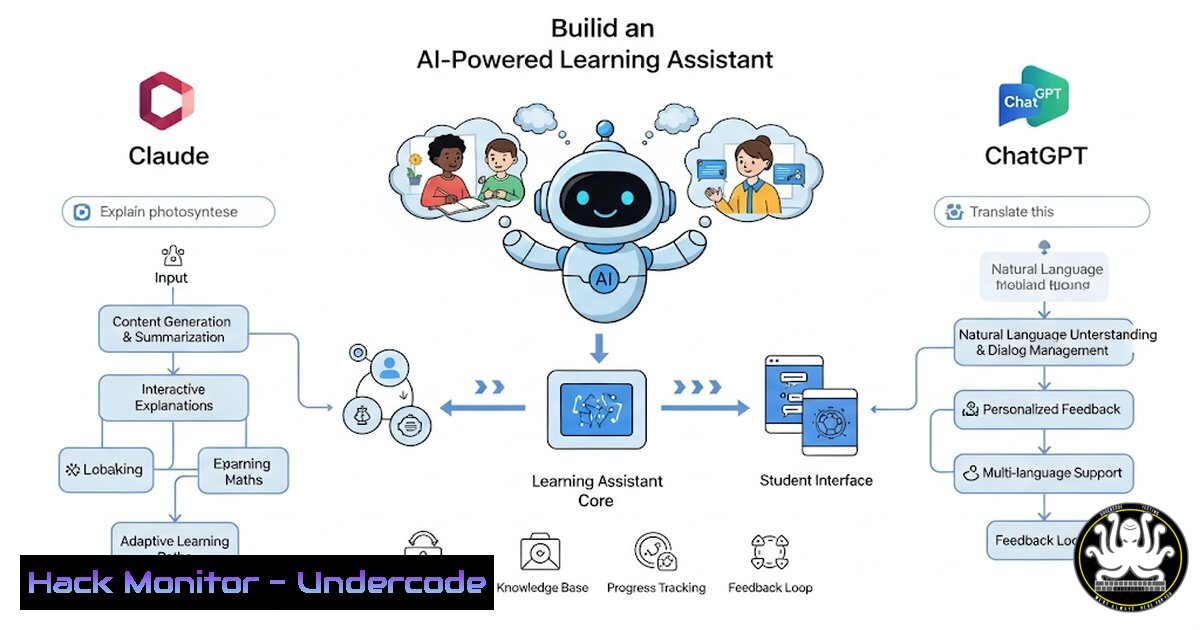
With AI transforming education, why wait for schools to adopt advanced tools like Claude’s learning mode? By leveraging open-source platforms like Open WebUI, cloud hosting via Hostinger, and structured prompts, you can create a personalized AI tutor for students—with full control over security and functionality.
Learning Objectives:
- Deploy Open WebUI on a VPS for a self-hosted AI learning assistant.
- Configure custom system prompts for structured tutoring.
- Restrict access to educational models only for safety.
- Switch between Claude, ChatGPT, or other LLMs seamlessly.
1. Setting Up Open WebUI on a VPS
Open WebUI provides a ChatGPT-like interface but with self-hosted control. Here’s how to install it on a Linux VPS:
Installation Commands:
 Install Docker (if not already installed)
sudo apt update && sudo apt install docker.io -y

Run Open WebUI in a Docker container
docker run -d -p 3000:3000 --name open-webui ghcr.io/open-webui/open-webui:main
What This Does:
- Installs Docker (required for containerized deployment).
- Deploys Open WebUI on port 3000, accessible via
http://<your-server-ip>:3000.
Next Steps:
- Access the WebUI, create an admin account, and configure models.
- Hosting on a Cloud VPS (Hostinger Recommended)
For optimal performance, use a cloud VPS like Hostinger:
- Hosting on a Cloud VPS (Hostinger Recommended)
Recommended VPS Setup:
- OS: Ubuntu 22.04 LTS
- Resources: At least 2 vCPUs, 4GB RAM (for smooth LLM inference).
Why Hostinger?
- Affordable, 1-click VPS deployment.
- Supports Docker and AI workloads efficiently.
3. Configuring Custom System Prompts for Tutoring
To replicate Claude’s learning mode, use structured prompts like Ethan Mollick’s “Tutor Prompt”:
Adding a System
- In Open WebUI, go to: Settings → Models → Claude/ChatGPT.
2. Paste the prompt (example below):
"You are an AI tutor. Start by assessing the student’s knowledge level.
Ask probing questions, provide tailored examples, and never give direct answers.
Encourage Socratic learning."
Why This Works:
- Forces AI to guide learning instead of spoon-feeding answers.
- Mimics Claude’s educational approach.
4. Restricting Access to Educational Models Only
For child-safe AI, restrict access to only tutoring models:
Firewall Rule (Linux):
 Block non-educational API endpoints
sudo iptables -A INPUT -p tcp --dport 3000 -m string --string "/api/chat" --algo bm -j DROP
What This Does:
- Prevents misuse by blocking non-tutoring API calls.
5. Switching Between Claude & ChatGPT
Open WebUI supports multiple LLMs. To switch:
Model Configuration:
- In Settings → Models, add API keys for:
– Claude (Anthropic API)
– ChatGPT (OpenAI API)
2. Select the preferred model per user.
Pro Tip:
- Use Llama 3 (open-weight model) for cost-effective self-hosting.
What Undercode Say:
- Key Takeaway 1: Self-hosting AI tutors enhances privacy & control over commercial solutions.
- Key Takeaway 2: Structured prompts optimize learning by preventing over-reliance on AI answers.
Analysis:
The rise of self-hosted AI education tools signals a shift toward personalized, secure learning. Schools lag in AI adoption, but tech-savvy parents and educators can now deploy bespoke tutoring systems—balancing flexibility and safety.
Prediction:
By 2026, 50% of homeschooling setups will integrate self-hosted AI tutors, reducing dependency on traditional EdTech platforms. Expect more open-source tools for AI-driven education, with enhanced parental controls and local LLM optimizations.
Final Thought:
Why wait for the future? Build your AI tutor today—before schools catch up. 🚀
🎯Let’s Practice For Free:
IT/Security Reporter URL:
Reported By: Chuckkeith Why – Hackers Feeds
Extra Hub: Undercode MoN
Basic Verification: Pass ✅


